
The Remote Work IT Support Checklist for Small Teams
A complete remote work IT support checklist for small teams. Standardize hardware provisioning, automate request intake, and establish SLA rules.
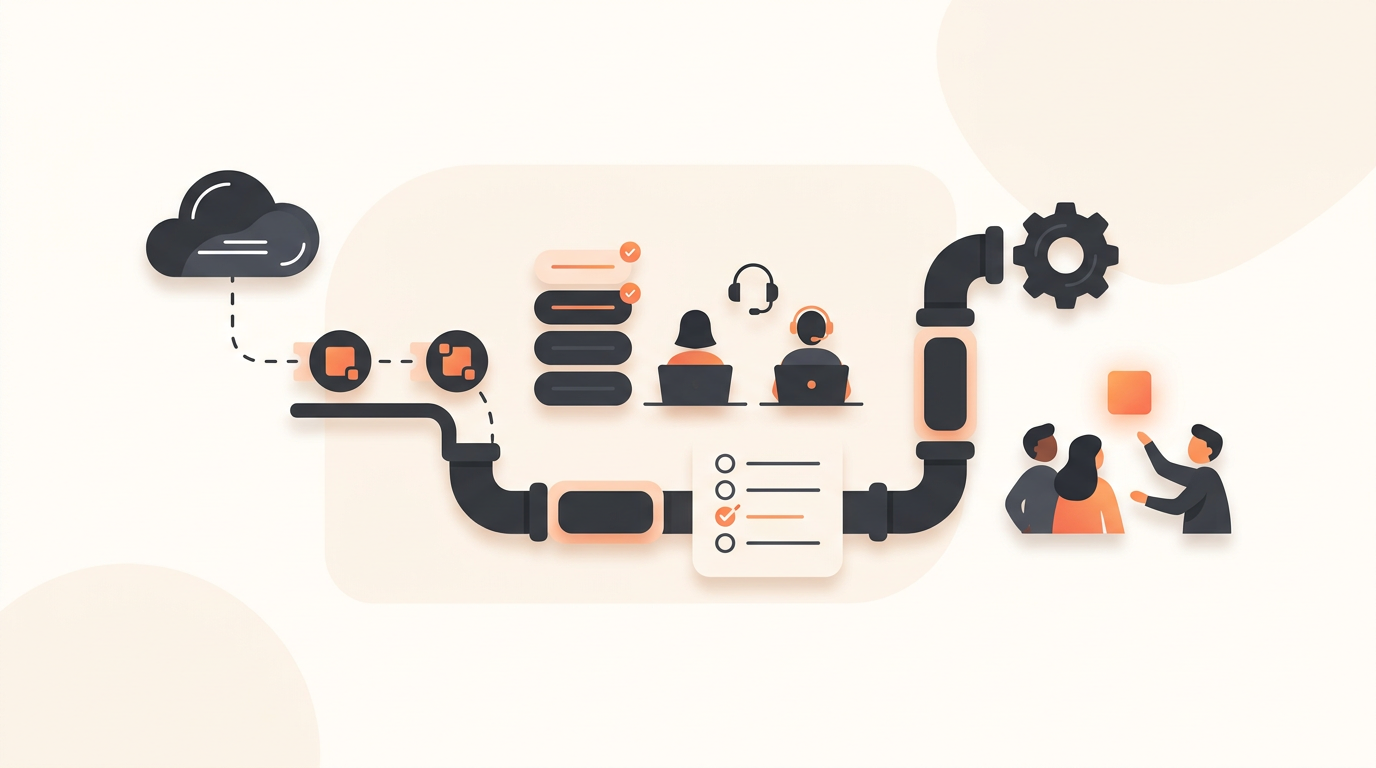
Supporting a remote workforce requires shifting your IT strategy from informal shoulder-taps to structured, asynchronous processes. A remote work IT support checklist ensures off-site employees experience the same standard of hardware provisioning, access management, and troubleshooting as they would in a physical office. For small teams, implementing this structure early prevents a single IT manager from becoming a permanent bottleneck.
Why Remote IT Support Breaks Down Without a Framework
In a traditional office, minor IT issues are often resolved through proximity. An employee walks over to the IT desk, explains their laptop fan is loud, and someone hands them a temporary replacement. Remote environments strip away this physical safety net. Without a documented framework, employee requests fragment across emails, direct messages, and video calls. This fragmentation destroys visibility, making it impossible to prioritize urgent security incidents over low-impact software inquiries.
Small teams often assume they can survive on ad-hoc communication until they reach a certain headcount. In reality, the absence of a central intake system causes immediate pain the moment a critical system goes down. Without a structured internal helpdesk, your team spends more time figuring out who is supposed to fix a problem than actually fixing it. Documenting your approach through a strict checklist ensures every support interaction follows a predictable path.
Phase 1: Identity and Access Management
The foundation of remote IT support is knowing exactly who has access to what, and ensuring that access can be granted or revoked instantly. Remote environments demand strict identity governance because the physical perimeter no longer exists.
Centralized Authentication
Start by auditing your directory services. Every application your company uses should tie back to a single identity provider. If an employee submits a ticket stating they cannot log in to a specific tool, the resolution process should begin and end at the central directory level. Maintaining standalone credentials for separate applications introduces massive security vulnerabilities and guarantees a high volume of password reset tickets.
Standardized Offboarding Protocols
Remote offboarding is significantly riskier than on-site offboarding. Your checklist must include a strict, time-bound sequence for terminating access. The moment an employee's departure is confirmed, IT must have a pre-approved workflow to disable the core identity account, force sign-outs across all managed devices, and initiate data preservation protocols. Relying on memory or manual checklists for offboarding inevitably leaves orphaned accounts active in external systems.
Phase 2: Hardware Provisioning and Logistics
Managing physical assets across distributed locations requires moving from reactive shipping to a standardized procurement catalog.
Defining the Standard Build
Never allow custom hardware configurations unless tied directly to a specialized engineering or design role. Establish two or three standard device profiles. When a new hire is scheduled to start, their manager should select a pre-approved hardware bundle rather than drafting a custom request. This drastically reduces the back-and-forth communication required to approve, purchase, and configure a machine.
Implementing a Service Catalog
Instead of forcing employees to type out their hardware requirements into a blank form, provide a browsable menu of pre-approved requests. A Service Catalog pre-fills the required data fields. If an employee needs a replacement charger, the catalog forces them to select their exact laptop model from a dropdown before submission. This guarantees the IT team receives all necessary information on the first pass, eliminating days of clarifying questions.
Phase 3: Structuring Your IT Intake Process
Your checklist must define exactly how employees ask for help. If employees are allowed to report issues via informal direct messages, your support framework will fail. You must route all requests through an employee portal.
Configuring Intake Channels
Provide employees with choices that feed into the same backend system. Some users prefer filling out traditional forms; others prefer an AI chat intake experience. Regardless of the method, every interaction must generate a tracked record. When a request arrives, it should immediately be categorized based on full ITIL ticket types—distinguishing between routine Service Requests, localized Incidents, widespread Problems, or infrastructure Changes.
Establishing SLA Rules by Priority
Not all remote IT issues are created equal. Your checklist needs configurable SLA rules dictating response and resolution times based on the priority of the ticket. A critical outage blocking the entire sales team requires immediate escalation, while a request for a new keyboard can safely wait several days. Define what constitutes Low, Medium, High, and Critical priorities, and map specific hour-count SLAs to each tier.
Routing and Assignment Rules
Set up first-match routing rules to direct tickets to the correct team automatically. Use Groups for team-based ownership so that if the primary network administrator is out sick, another member of the infrastructure group immediately sees the incoming network incident. Never rely on manually triaging a general inbox to assign work.
Phase 4: Automating Trivial Remote Requests
Small IT teams cannot afford to spend their days answering the same six questions. Automation is mandatory for scaling remote support.
Building the Knowledge Base
Before launching your new support process, write documentation for your most common issues. A Knowledge Base provides employee self-serve search capabilities so common questions never need to become tickets. Document VPN connection steps, basic printer troubleshooting, and software installation guides. Make this documentation the first thing an employee sees when they open the support portal.
Deploying Agentic Auto-Resolution
Go beyond passive documentation by implementing active resolution systems. With tools like QueAssist, you can deploy agentic auto-resolution for common, well-documented employee requests. When an employee requests a routine software license or a password reset, the system grounds itself in your organization's Knowledge Base to fulfill the request automatically. The employee gets an immediate fix, and the IT team never even has to open the ticket.
Illustrative Example: A 60-Person Remote Logistics Company
Consider an illustrative example of a 60-person logistics company operating entirely remote. Previously, their single IT manager handled all requests through a shared email inbox. On Mondays, the inbox was flooded with password resets and access requests, burying urgent alerts about routing software crashes. The IT manager spent hours just reading emails to figure out what was broken.
They implemented a strict remote support checklist. First, they banned email requests entirely, forcing all inquiries through a structured portal. They mapped out SLA rules, ensuring that routing software incidents triggered high-priority alerts to an external on-call group, while accessory requests were routed to a low-priority queue. They also activated an AI-powered triage system that categorized and prioritized tickets on arrival. The time spent triaging requests dropped from hours to minutes, allowing the IT manager to focus on infrastructure improvements rather than answering emails.
Measuring Remote IT Success
Once your checklist is in place, you must track specific metrics to ensure it works. Small teams should focus on a few high-signal indicators rather than drowning in data.
| Metric Category | What to Measure | Target Baseline for Small Teams |
|---|---|---|
| First Response Time | The gap between ticket creation and the first human or automated reply. | Under 15 minutes for High priority; under 4 hours for Low. |
| Resolution Rate | Percentage of tickets resolved within the defined SLA window. | Consistent 90%+ compliance across all groups. |
| Deflection Rate | The number of searches or automated interactions that do not result in a submitted ticket. | Aim for 20-30% of total volume handled by self-service. |
| End-User CSAT | Post-resolution satisfaction scores collected via automated surveys. | Average score of 4.5/5 or higher. |
Collect feedback continuously through automated CSAT surveys. A high deflection rate combined with a low CSAT score indicates that your automated systems are frustrating users rather than helping them. Adjust your Knowledge Base content accordingly.
Common Mistakes When Implementing Remote IT Processes
Even with a checklist, small teams frequently fall into traps that undermine their remote support strategy.
Over-Complicating Approval Workflows
While approval workflows are necessary for expensive hardware or major infrastructure changes, they are toxic for minor service requests. Do not require managerial approval for a $20 peripheral or access to standard departmental software. Over-engineering these approvals creates massive delays in remote environments where asynchronous communication is the norm.
Ignoring Team Topology Constraints
Many legacy systems charge punitive per-seat licensing, forcing small companies to share generic administrator accounts among multiple agents to save money. This breaks your audit trails and ruins accountability. This is precisely why flat monthly pricing per workspace is critical for growing teams; it allows you to grant every necessary stakeholder their own distinct login without arbitrary cost penalties, keeping your assignment rules accurate.
When Not to Strictly Enforce SLAs
SLAs are crucial for standard operating procedure, but they should be paused or overridden during localized physical disasters (like a remote employee losing power in a storm) or highly sensitive HR events. Rigidity in these edge cases damages trust between remote employees and the operations team.
Executing the Rollout Plan
Migrating a team to a new remote IT support checklist requires careful change management. Follow these steps to ensure a smooth transition:
- Audit Existing Unofficial Channels: Spend one week monitoring direct messages, emails, and informal group chats to catalogue the exact types of requests your team currently handles. This data forms the baseline for your Service Catalog.
- Configure the Backend Quietly: Set up your groups, assignment rules, and SLA configurations. Draft the initial five to ten Knowledge Base articles covering the most frequent requests identified in step one.
- Conduct a Soft Launch: Select a small, tech-savvy department (often engineering or product) to beta-test the new employee portal. Have them submit standard requests and verify that the routing and auto-resolution rules behave as expected.
- Execute the Hard Cutover: Announce the new process company-wide. Set an auto-responder on the old shared inbox stating that it is no longer monitored, containing a direct link to the new intake portal. Hold firm on refusing informal requests via chat; gently direct those users back to the official channel.
Moving Forward with Better Support
A structured remote IT support checklist transforms chaotic, reactive troubleshooting into a predictable, manageable operation. By standardizing hardware logistics, defining clear SLA rules, and automating repetitive tasks, small teams can provide enterprise-grade support without enterprise-grade headcount. If you are ready to implement these specific workflows, create your QueueDesk workspace today and start routing your remote support requests intelligently.
Get started today
Ready to fix internal support?
Free Starter plan. No credit card. Up and running the same day.
Start freeFrequently asked questions
How do we handle hardware returns when a remote employee leaves?+
Include a standardized offboarding logistics step in your checklist. IT should automatically trigger a pre-paid return box shipment via an external courier the moment HR confirms the termination, tracked as a specific ITIL Service Request to ensure follow-through.
Should we create separate SLA rules for executives?+
Generally, SLA rules should be based on the impact and urgency of the issue (e.g., total work stoppage vs. minor inconvenience) rather than the title of the user. However, you can configure priority overrides for VIP groups if your specific business operations demand it.
How large should our team be before implementing a formal Service Catalog?+
As soon as you are ordering hardware or software licenses more than twice a month. Moving away from blank request forms to pre-filled catalog items saves hours of clarification, even for organizations with fewer than 30 employees.
What if an employee's remote network is completely down and they cannot access the support portal?+
Your checklist must include a defined out-of-band communication method. Often, this means providing a dedicated emergency phone number that routes to the on-call IT group, reserved strictly for total connectivity failures.