
How to Reduce Shadow IT with a Self-Service Request System
Stop rogue software spending by replacing slow procurement bottlenecks with a structured, user-friendly self-service IT request catalog.
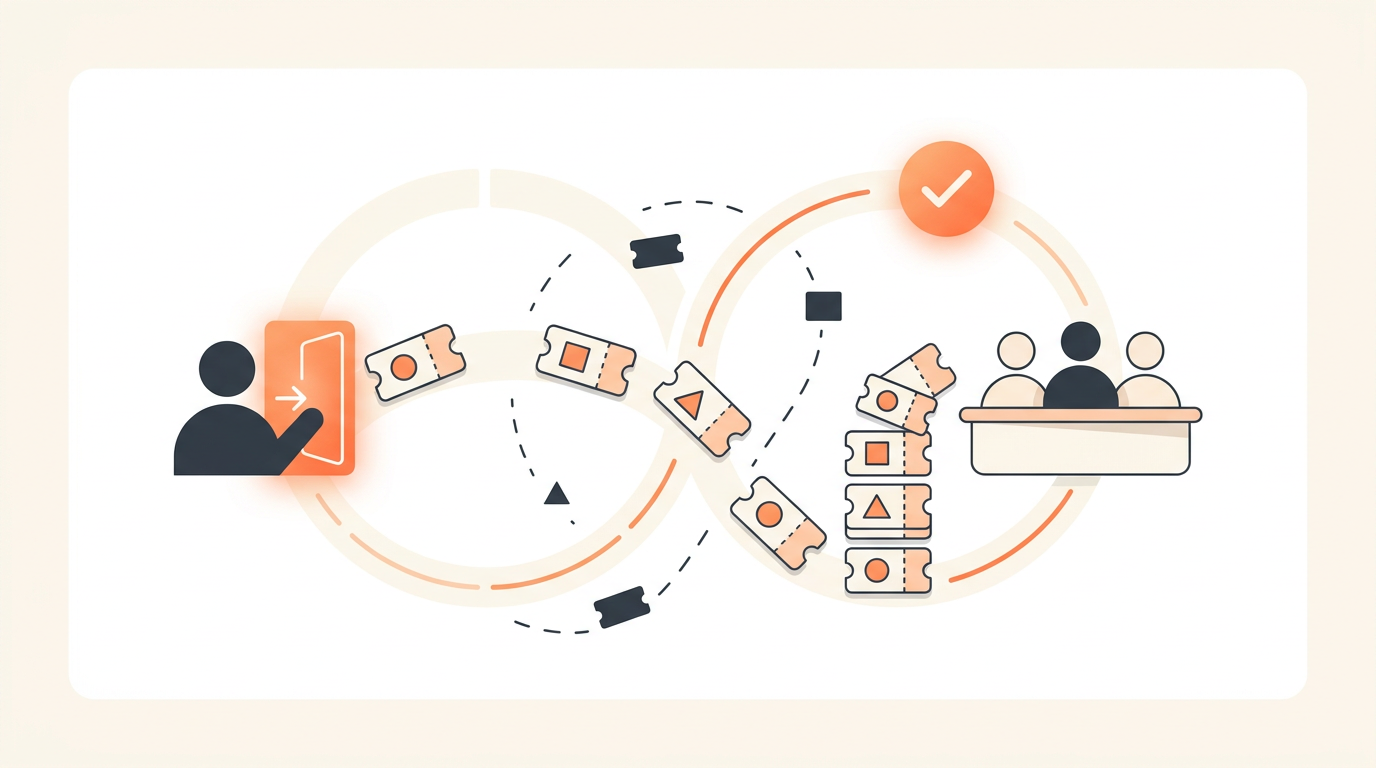
Shadow IT occurs when the friction of acquiring software through official channels exceeds the perceived risk of an employee buying it independently. You reduce this rogue spending by deploying a self-service request system that makes the approved path faster, more transparent, and more predictable than expensing an unvetted SaaS subscription.
The Core Mechanism Behind Rogue Software Purchases
Employees rarely set out to bypass IT security or violate compliance policies on purpose. They bypass official channels because the official channels are either invisible or historically unresponsive. When a department urgently needs a new project management tool or a specialized data visualization app, their first instinct is to ask IT. However, if the intake mechanism is a generic email address that functions like a black hole, or a blank ticketing form that provides no feedback on expected delivery times, patience evaporates quickly. The employee simply inputs their corporate credit card number into a vendor website, creates a localized data silo, and moves on with their work.
This dynamic reveals a fundamental truth about internal operations: shadow IT is a symptom of poor service delivery. If you want to stop managers from buying unapproved applications, you have to offer a procurement experience that competes with the instant gratification of modern consumer SaaS. You cannot solve this purely through strict expense report audits or aggressive web filtering. By the time an unauthorized purchase appears on an expense report, company data is already living in an unvetted third-party environment. The solution requires intercepting the demand at the source by providing a structured, highly visible menu of options.
Curating a Service Catalog to Capture Demand
The most effective way to eliminate the blank-form problem is to implement a Service Catalog. A Service Catalog acts as a browsable storefront for your IT department, replacing vague requests with a predefined menu of pre-approved hardware, software licenses, and access permissions. When an employee needs a new application, they do not have to guess what IT considers acceptable. They can browse the catalog, see the standard offerings, and select the tool that fits their needs.
This approach fundamentally changes the psychological dynamic of requesting software. A blank form asks the user to justify a completely open-ended desire, which inevitably leads to defensive posturing and lengthy back-and-forth negotiations with procurement teams. A catalog item, such as "Request Asana License," implicitly communicates that the organization has already vetted the tool, established a vendor relationship, and created a standardized provisioning workflow. Because the item is pre-approved, the user knows the request is primarily administrative rather than a debate over technical merits.
An Illustrative Scenario: Managing Spend in a Growing Operations Team
Consider an illustrative example: a 60-person logistics company migrating off shared inboxes to handle their dispatch operations. The operations team realized their current method was failing, and the operations director desperately wanted a specialized scheduling application. In the past, this director would have emailed the generic IT support address, received no immediate reply, and eventually purchased a $200/month subscription on a company card to fix their immediate operational crisis.
Instead, after the IT manager rolled out a structured self-service portal, the operations director logged in and searched for "scheduling." The search surfaced a catalog item for a tool the company already owned licenses for, complete with a clear description of its capabilities and a standardized request form. The director submitted the request, which automatically routed to their department head for budget approval. Because the workflow was predefined, the fulfillment cycle dropped from hours of confused emails to minutes of automated routing. The operations team got their scheduling system, and IT maintained complete visibility over the software ecosystem.
Step-by-Step Process for Implementing Self-Service Intake
Transitioning from unstructured emails to a structured service catalog requires a methodical approach. Do not attempt to catalog every single piece of software in your organization on day one. Focus on high-volume requests to build trust and momentum.
- Audit Existing Software Spend: Pull your last six months of expense reports and cross-reference them with your identity provider's login logs. Identify the top ten most frequently requested or expensed applications. These are your initial catalog candidates.
- Define the Catalog Items: Create a specific, named entry for each of the top ten applications. Avoid generic titles like "Software Request." Use clear, searchable names like "Request Zoom Pro License" or "Adobe Creative Cloud Access."
- Configure Intake Forms: For each catalog item, attach a specific form that asks only the questions necessary for fulfillment. If requesting a CRM license requires knowing the user's regional territory, add a territory dropdown. Never ask for information you already have from their active directory profile.
- Establish Assignment Rules: Configure assignment rules to ensure the ticket goes to the right team immediately. A hardware request should route to the desktop support group, while a SaaS access request might route to a dedicated application administration group. First-match routing prevents requests from languishing in an unassigned queue.
- Set Up Approval Workflows: Determine which requests require manager approval for cost and which require IT security approval. Automate this routing so the ticket moves sequentially through the required approvers before landing in the provisioning queue.
- Publish and Communicate: Launch the catalog to the organization. Over-communicate the fact that using the catalog is the fastest way to get what they need. Instruct your IT team to gently redirect any direct messages or emails back to the specific catalog items.
Structuring Approvals Without Adding Bottlenecks
A self-service system will fail if it simply digitizes bureaucracy. If every software request requires a manual review by the Chief Information Security Officer, employees will revert to shadow IT immediately. To maintain speed while ensuring compliance, you must differentiate between routine administrative tasks and genuine security risks using full ITIL ticket types.
Treat requests for pre-vetted software as standard Service Requests. If an employee asks for a license to a tool that has already passed security review and has an established corporate contract, the only necessary approval is usually financial. Configure your workflow to route these requests directly to the employee's manager. Once the manager approves the cost, the ticket should route directly to the provisioning group. Reserve heavy scrutiny and Normal Change workflows for generic "New Software Review" requests, where a user wants an application the company has never evaluated before. By fast-tracking the known entities, you encourage users to stay within the lines.
Forms vs. AI Intake: Meeting Employees Where They Are
Even with a well-designed catalog, forcing employees to navigate a complex portal can cause friction. Different demographics within your organization prefer different interaction methods. Providing a choice of intake channels increases adoption and reduces the temptation to bypass the system.
| Intake Method | Best Use Case | Primary Advantage | Potential Drawback |
|---|---|---|---|
| Traditional Portal Forms | Complex hardware requests or intricate access provisioning requiring detailed dropdown selections. | Ensures highly structured, predictable data collection before a ticket is created. | Can feel overly formal and bureaucratic to users accustomed to instant messaging. |
| AI Chat Intake | Routine software access, password resets, and simple informational queries. | Mimics a natural conversation, lowering the barrier to entry for less technical staff. | Requires sophisticated natural language processing to categorize requests accurately. |
Implementing an employee portal with a choice of traditional forms or AI chat intake caters to both preferences. When a user describes their need in natural language, AI-powered ticket triage can categorize, prioritize, and route the ticket on arrival, acting as a virtual dispatcher. Furthermore, QueAssist agentic auto-resolution can resolve common, well-documented employee requests automatically. If a user asks the AI chat for access to a standard application, the AI can trigger the approval workflow and, in some environments, execute the provisioning scripts directly based on instructions grounded in the organization's own Knowledge Base. This eliminates the wait time entirely, dealing a massive blow to the appeal of shadow IT.
Setting SLAs to Rebuild Trust in the IT Organization
Service Level Agreements are critical for managing expectations. When an employee submits a request, the most anxiety-inducing part of the process is the silence that follows. If they do not know whether the request will take two hours or two weeks, they will look for alternative, rogue solutions.
Implementing configurable SLA rules per priority establishes a baseline of trust. For example, a request for a standard software license might carry a 24-hour resolution SLA, while a request for a new, unvetted application might carry a 5-day review SLA. Displaying these target times clearly within the service catalog sets expectations immediately. When users trust that IT will meet its published commitments, they are far more likely to engage with the official process rather than swiping a credit card to avoid a perceived delay.
Deflecting Minor Inquiries with a Knowledge Base
Not every software need requires a new purchase or a formal provisioning ticket. Often, users resort to shadow IT because they do not realize the company already provides a tool that solves their problem. A robust Knowledge Base acts as a first line of defense against redundant spending.
Providing an employee self-serve search so common questions never need to become tickets allows users to discover existing resources independently. If a user searches the portal for "how to share large files securely," the search should surface a Knowledge Base article explaining how to use the company's existing enterprise file-sharing platform, rather than letting them assume they need to buy a consumer-grade Dropbox subscription. By intercepting intent with existing solutions, you maximize the ROI of your current software stack and prevent unnecessary sprawl.
Common Mistakes and Why Implementation Fails
Deploying self-service infrastructure is not a guaranteed success. Many organizations build sophisticated portals that sit abandoned while shadow IT flourishes. Avoid these specific failure modes to ensure your investment actually changes user behavior.
- Creating overly complex intake forms: If an employee has to fill out 15 mandatory fields to request a basic PDF editor, they will abandon the form. Keep mandatory fields to an absolute minimum and rely on automated integrations to supply user context like department and manager details.
- Hiding the portal behind VPNs or obscure URLs: Your service catalog must be easily accessible from anywhere. If users have to connect to a legacy VPN just to submit a software request, the friction will drive them away. The portal must be as accessible as the consumer SaaS tools they are trying to buy.
- Adopting a punitive stance: When you discover shadow IT, your first reaction should not be punishment. Use the discovery as feedback. Ask the user why they bypassed the official process. Often, their answer will highlight a flaw in your service catalog or a missing tool in your approved stack. Use this intelligence to improve your offerings.
- Failing to gather user feedback: You cannot improve the intake experience if you do not measure satisfaction. Implement CSAT surveys after a request is fulfilled to ensure the process actually met the user's expectations. Low scores on fulfillment speed are a leading indicator of future shadow IT.
Aligning Tooling and Pricing with Operational Reality
Building a successful self-service environment requires tools that facilitate broad collaboration. One of the hidden drivers of inefficient service delivery is restrictive software licensing models. When you use tools designed primarily for massive enterprises, you are often forced into expensive, per-seat licensing. This forces IT managers to restrict access to the ticketing system, preventing department heads or financial officers from logging in to approve requests directly. This creates artificial bottlenecks where IT staff must manually shuttle information between systems.
To build a truly collaborative workflow, small and medium enterprises require tools that do not penalize them for involving more stakeholders in the approval and fulfillment process. Look for platforms that offer flat monthly pricing per workspace rather than charging per agent. This allows you to invite managers, security officers, and HR personnel into the platform to handle approvals and visibility without tripling your software costs. By removing the financial penalty for collaboration, you can build faster, more efficient workflows that outpace the temptation of shadow IT.
The goal is to build an internal service experience that rivals the software platforms your employees use in their personal lives. By combining a clear service catalog, automated routing, and transparent SLAs, you can recapture control over your IT environment while actually improving employee satisfaction. To see how these modern service desk features can streamline your own operations, start your free trial and build your first automated software catalog today.