
The Definitive IT Offboarding Checklist for Departing Employees
Secure your organization's data and recover hardware predictably with a structured IT offboarding checklist designed for growing teams.
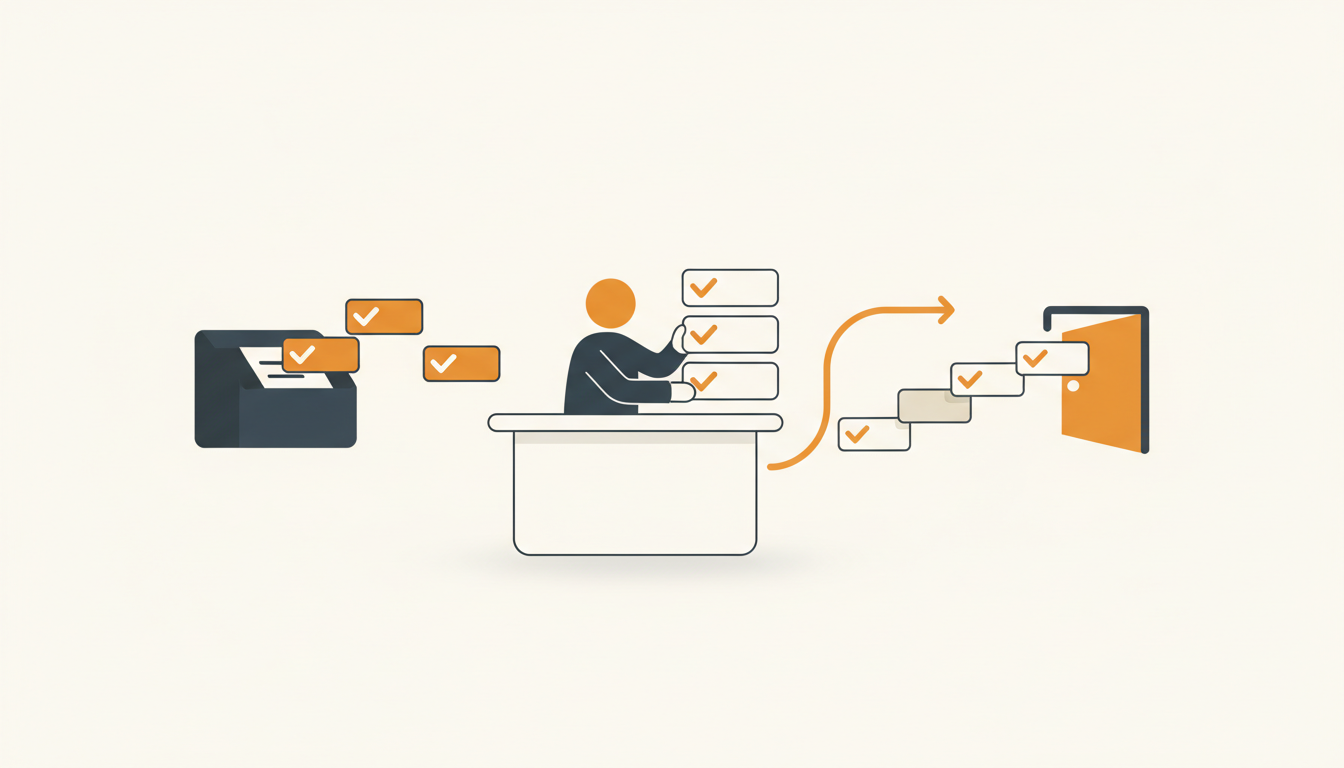
IT offboarding is a risk mitigation exercise masquerading as an administrative chore. When an employee departs, failing to immediately revoke access, recover hardware, and archive data creates massive security vulnerabilities and hidden costs. A structured checklist replaces panic with process, ensuring no lingering admin rights or unreturned laptops slip through the cracks.
Why IT Offboarding Demands Process Over Memory
Most organizations treat onboarding as a highly visible, celebratory event, while offboarding is treated as an afterthought. This asymmetry is dangerous. A missing onboarding step means an employee might be delayed in doing their job. A missing offboarding step means a former employee—potentially a disgruntled one—retains access to your customer database, source code, or financial systems. Relying on an IT technician's memory to disable access across a dozen different platforms is a guaranteed path to a data breach.
Beyond security, poor offboarding carries a significant financial penalty. Unrecovered physical assets, such as high-end laptops and mobile devices, represent direct capital loss. Simultaneously, orphaned software licenses silently drain the IT budget. When an employee leaves and their expensive subscription seats are not reclaimed and pooled back into the organization's inventory, you pay for unused capacity month after month. A strictly enforced offboarding procedure stops this financial bleed immediately.
Compliance also mandates precision. Whether your organization is bound by SOC 2, HIPAA, or ISO 27001, auditors will demand proof that access was revoked promptly upon termination. A formalized workflow within your service desk provides the exact audit trail necessary to pass these inspections without weeks of stressful evidence gathering.
The Core Mechanism of a Reliable Offboarding Workflow
An effective offboarding process cannot live in a spreadsheet or a shared document. It must be an actionable, trackable request within your service management environment. The mechanism requires transitioning from ad-hoc emails—where Human Resources sends a vague message stating someone is leaving—to a strict Service Request structure.
This begins with standardizing the intake. HR or the departing employee's manager must submit a specific request type that mandates critical information: the exact termination date, the termination time, whether the departure is voluntary or involuntary, and the physical location of the hardware. Without this structured data, the IT team operates in the dark, reacting to incomplete information and missing critical SLA windows.
Once the request is logged, the core mechanism relies on breaking the massive concept of "offboarding" into granular, assignable sub-tasks. Disabling email access, reclaiming software licenses, and processing the physical laptop return often require different technicians. By splitting the parent ticket into distinct tasks, each with its own owner, you ensure parallel execution and eliminate bottlenecks where one technician waits on another.
Illustrative Example: Taming the Friday Afternoon Departure
Consider an illustrative example of a 70-person regional logistics company transitioning away from shared email inboxes. Historically, their HR manager would send an email to the IT group alias at 4:30 PM on a Friday stating that a warehouse supervisor was leaving immediately. The resulting chaos involved technicians scrambling to figure out which systems the supervisor accessed, often missing cloud logistics platforms that weren't tied to the primary directory.
By moving this process to a formalized service catalog, the dynamic shifted entirely. Now, HR submits an offboarding request using a predefined template. This action automatically triggers a Priority 2 ticket, instantly dispatching an escalation alert to the right group of technicians. The system automatically creates sub-tasks for the network team to kill VPN access, the application team to disable the logistics software, and the desktop support team to lock the mobile device. The outcome shifted from hours of frantic weekend verification to a controlled, documented process completed in under twenty minutes, leaving a clean audit trail behind.
The Comprehensive IT Offboarding Checklist
To execute a flawless departure, your IT team must follow a strict, sequential process. The following numbered checklist represents a rigorous baseline that should be adapted to your specific environment.
1. Intake and Verification
- Acknowledge the departure notification: Ensure the request originated from an authorized source (HR or a verified manager) to prevent malicious termination requests.
- Confirm the exact timeline: Establish the precise date and hour when access must be severed. For involuntary terminations, this timing must align perfectly with the HR meeting.
- Identify the user's asset profile: Cross-reference the user's profile with the IT asset database to generate a list of all assigned hardware and specialized software licenses.
2. Immediate Access Revocation (Day-Of)
- Force logouts across all active sessions: Do not rely on passwords changing; active sessions can persist. Terminate active sessions in your identity provider and core applications.
- Reset the primary account password: Change the password to a complex, randomly generated string known only to the IT administrator.
- Disable the primary directory account: Suspend or disable the user's account in Active Directory, Google Workspace, or your central identity provider. Do not delete the account immediately, as this complicates data recovery.
- Revoke VPN and remote access: Explicitly disable remote access certificates and VPN profiles tied to the user.
- Disable access to unlinked SaaS applications: Manually disable access to any third-party web applications that are not integrated with your primary single sign-on (SSO) system.
3. Data Preservation and Handoff
- Set up email forwarding or delegation: Configure the departing employee's email to forward to their manager or a designated replacement, or grant the manager delegated access to the inbox.
- Apply an out-of-office auto-responder: Set a professional message informing external contacts that the person has left the company and providing an alternative point of contact.
- Transfer ownership of critical files: Reassign ownership of the user's cloud storage drives, shared documents, and calendar events to their manager or team lead.
- Archive the mailbox and data: Once the transition period is over, convert the mailbox to a shared mailbox (to free up a license) or export the data to an archive format according to your retention policy.
4. Asset Recovery and De-provisioning
- Initiate hardware return logistics: Send a pre-paid shipping box to remote employees or schedule an in-person drop-off for office workers.
- Verify returned hardware: Inspect laptops, monitors, peripherals, and corporate mobile devices against the initial asset profile generated during intake.
- Wipe the hardware securely: Perform a cryptographic wipe of the hard drives to ensure no local data remains before the device is re-imaged for the next employee.
- Reclaim software licenses: Remove the user from all subscription groups to free up licenses for expensive tools like CRM platforms, design software, or project management suites.
Automating What You Can: Approvals and Routing
Manual checklists are prone to human error, especially during busy periods. Automation is the key to consistency. By utilizing a modern IT service management platform, you can enforce the sequence of these steps programmatically.
Start with assignment rules. When an offboarding ticket arrives, the system should use first-match routing to teams based on the departing employee's department or location. For instance, if an engineering contractor leaves, the ticket can automatically route to the specialized infrastructure team rather than Tier 1 support. Similarly, configurable SLA rules per priority dictate the urgency of the tasks. An involuntary termination might be flagged as a Priority 1 Incident, requiring access revocation within fifteen minutes, whereas a standard retirement might be a Priority 3 Service Request handled over a few days.
Approval workflows also streamline the handoff phase. When an IT technician needs authorization to grant a manager access to a departing employee's private files, the system can automatically request approval from HR or Legal. The technician cannot close the ticket until that approval is cryptographically logged in the system, protecting IT from liability regarding sensitive personnel data.
Translating the Checklist into Your Service Desk
The bridge between a theoretical checklist and daily operations is your employee intake mechanism. If HR has to remember to email IT with ten specific bullet points, they will inevitably forget half of them. You need to build this directly into your service catalog.
A well-configured Service Catalog provides a browsable menu of pre-approved requests. Instead of a blank form, HR selects "Employee Departure." This action presents a structured form asking for the departure date, hardware shipping address, and the name of the manager receiving the data handoff. For organizations leaning into self-service, this can also be handled through an employee portal with a choice of traditional forms or AI chat intake, allowing HR to simply message an intelligent assistant to initiate the offboarding procedure.
If you want to see exactly how features like the Service Catalog and agentic auto-resolution manage request intake, you should ensure your platform natively supports complex, multi-stage workflows without requiring custom coding or expensive external consultants.
How to Measure If Your Offboarding Process Actually Works
Implementing a process is only the first step; you must measure its effectiveness. You cannot manage what you cannot measure, and offboarding generates very specific telemetry that indicates whether your security and asset recovery strategies are functioning.
Focus on a few core metrics. First, measure the Access Revocation SLA adherence. What percentage of accounts are disabled within one hour of the designated termination time? Anything less than 95% represents a systemic risk. Second, track the hardware recovery rate. How many laptops are successfully returned within fourteen days of departure? Finally, monitor the software license reclaim rate to ensure you aren't paying "ghost subscriptions."
| Metric | Reactive Approach (Poor) | Proactive Process (Excellent) |
|---|---|---|
| Access Revocation Time | 1-3 days after departure | < 30 minutes post-termination |
| Hardware Recovery Rate | 60-70% (High loss rate) | 95%+ (Predictable logistics) |
| License Reclaim Speed | Discovered during annual audits | Immediate, returned to pool |
| Data Handoff Disruptions | Frequent complaints from managers | Automated transfer day-of |
Common Offboarding Mistakes and When to Break the Rules
Rigid adherence to a single process can sometimes backfire. The most common mistake organizations make is treating every departure as identical. A friendly retirement requires a vastly different touch than a hostile termination.
When an employee is terminated for cause or laid off, the standard rule of "notify the user and schedule a handoff" must be broken. In these edge cases, IT must coordinate silently with HR to sever access at the exact moment the termination meeting begins. Pre-communication in these scenarios invites data theft or sabotage.
Another frequent failure mode is forgetting external contractors. Contractors often bring their own devices and use external email addresses. Because they might not exist in your primary HR system, they frequently bypass standard offboarding triggers. Ensure your checklist includes a specific path for vendor and contractor offboarding, focusing heavily on revoking shared document permissions and disabling guest accounts in chat applications.
Finally, never assume the departing employee's manager knows what data they need. Often, a manager will request "full access to everything" the former employee had. IT should push back on this broad request, enforcing the principle of least privilege. Grant access to specific project folders or shared inboxes rather than wholesale account takeovers, which can expose private HR communications or personal data mixed into the employee's files.
Aligning IT Offboarding with Team Size
The complexity of your offboarding checklist should scale with your headcount. A 20-person startup does not need a massive ITIL Change Management board to approve an email forward. In a small company, the founder or operations manager might execute the entire checklist manually in an hour.
However, as an organization approaches 100 to 300 employees, the sheer volume of software applications and the physical distribution of hardware necessitate a specialized tool. In this SME phase, communication silos form. HR stops sitting next to IT. When this physical separation happens, the service desk becomes the only reliable source of truth. As your team scales, managing these complex workflows shouldn't punish your budget. Finding a system with flat monthly pricing per workspace allows you to bring HR, facilities, and management into the offboarding workflow without paying per-seat licensing penalties for every user who occasionally needs to approve a ticket.
At the 300-employee mark, manual checklist execution becomes entirely untenable. This is where you rely on deep integrations between your HRIS (Human Resources Information System) and your service desk, where an offboarding date entered by HR automatically generates the parent ticket, dispatches the sub-tasks, and initiates the hardware shipping logistics without human intervention.
Transitioning from Chaos to Control
A dependable offboarding process protects your data, recovers expensive hardware, and eliminates the scramble of undocumented departures. Moving from ad-hoc emails to a strict, automated workflow is the only way to scale this critical function reliably. If you are ready to implement these specific SLA rules, approval workflows, and service catalog forms to lock down your offboarding, sign up to configure your workspace today and start routing requests instantly.
Get started today
Ready to fix internal support?
Free Starter plan. No credit card. Up and running the same day.
Start freeFrequently asked questions
How long should we retain a departed employee's data before permanently deleting it?+
Retention periods depend on your industry's compliance regulations, but a standard baseline is 30 to 90 days of active retention before archiving. After exporting the data to a secure archive, the active account should be fully deleted to reduce the attack surface.
What happens if a remote employee refuses to return their corporate laptop?+
If a remote employee fails to return hardware after multiple requests, immediately execute a remote cryptographic wipe via your Mobile Device Management (MDM) tool to secure the data. Subsequently, HR and Legal should handle the asset recovery as a financial matter, often by withholding final expense reimbursements.
Should we convert departing employees' mailboxes to shared mailboxes?+
Converting an ex-employee's mailbox to a shared mailbox is a common practice because it allows the manager to monitor incoming mail without consuming an active, paid license. However, this should only be a temporary measure (typically 30-60 days) to catch vital communications before shutting the address down completely.
How do we handle offboarding when the employee uses personal devices (BYOD)?+
For BYOD environments, offboarding relies heavily on your application-level security and MDM. You must use the MDM to selectively wipe corporate data and applications from the personal device without touching their personal photos or apps, while immediately revoking SSO access to all corporate web apps.