
How to Build an Internal IT Support Strategy for Small Teams
Learn how to move off shared IT inboxes with clear routing, automated triage, and a service catalog designed specifically for growing small businesses.
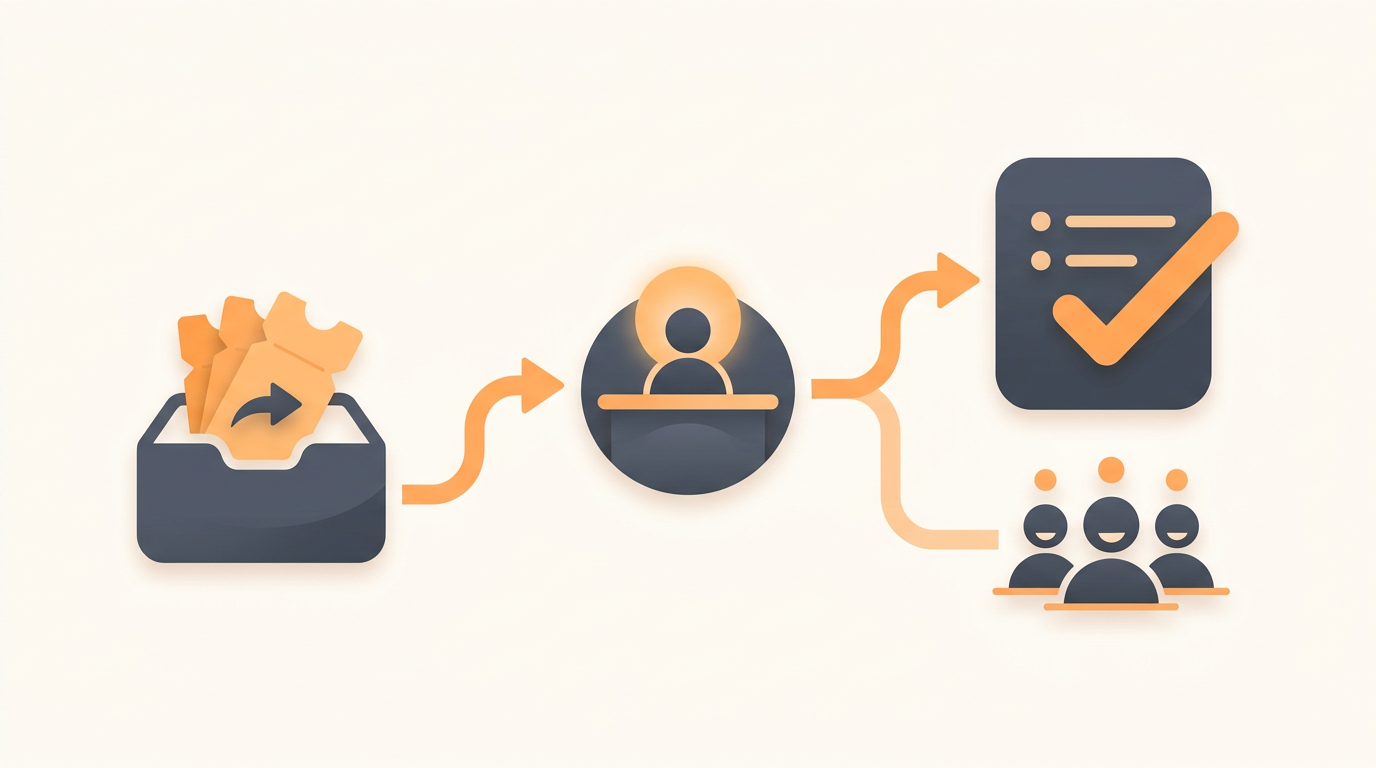
Moving off a shared IT inbox requires strict routing rules, a defined service catalog, and employee self-service. Small teams fail when they deploy enterprise platforms built for massive IT departments, drowning in unnecessary configuration instead of fixing basic intake. The right approach establishes clear SLA expectations, forces structured requests over blank forms, and uses AI categorization to route issues before a human ever sees them.
1. The Threshold: When Shared Inboxes Break Down
Most organizations start managing internal requests via an it@ or help@ email alias. This works perfectly for a 15-person company. It becomes an operational disaster at 50 employees. Email was designed for one-to-one communication, not concurrent state management across multiple agents.
You have crossed the threshold when team members start forwarding emails to each other to ask "did you handle this?" or when password resets routinely sit unaddressed for a full workday. In a shared inbox, there is no inherent concept of ticket ownership, priority levels, or status tracking. An urgent server outage looks identical in the interface to a request for a new ergonomic mouse. Moving to a structured system forces every incoming request to adopt a state (Open, Pending, Resolved) and an owner, eliminating the bystander effect where everyone assumes someone else is handling the problem.
2. Core Mechanisms of Structured Support
Reclaiming your time requires moving employees away from unstructured emails and into an intake funnel that standardizes the data you receive. You need a centralized employee portal where staff can choose between traditional forms or conversational AI chat intake. The goal is to gather context upfront so your first reply is a solution, not a request for more information.
Modern intake relies on automated triage. Instead of a technician spending two hours a morning reading and assigning tickets, a system utilizing AI-powered ticket triage categorizes, prioritizes, and routes tickets the moment they arrive. By examining the context of the request, you can automatically assign hardware failures to the hardware group and software access requests to the systems administrator. You can review exactly how automated intake transforms your daily workflow by exploring the core features of modern IT operations.
3. Illustrative Example: Migrating a 60-Person Logistics Company
Consider an illustrative example of a 60-person logistics company operating out of three regional warehouses. For years, all software issues, broken scanner reports, and HR onboarding requests went to a single shared inbox monitored by two general operations managers. Urgent issues were frequently buried under dozens of routine password queries.
They abandoned the shared inbox and implemented a unified service portal utilizing Groups for team-based ownership. They created three distinct queues: IT, Facilities, and HR. First-match assignment rules instantly routed warehouse scanner failures to the local facilities group, while software access requests bypassed the queue entirely through automated self-service. By routing issues automatically based on the request type, their average time to resolution dropped from days to minutes, entirely eliminating the morning routine of manually sorting emails.
4. Step-by-Step Implementation Guide
Deploying a structured support system is primarily a change management exercise. You cannot simply turn on a new portal and expect employees to use it without a planned transition. Follow this sequence to establish order.
- Audit your current intake: Review the last 30 days of your shared inbox. Identify the top 10 most common requests. These will form the foundation of your self-serve documentation.
- Draft baseline documentation: Write simple, one-page Knowledge Base articles for the top 5 repetitive issues (e.g., VPN connection steps, password reset links).
- Define the Service Catalog: Create specific request items for common needs, ensuring each has a required form field for necessary data.
- Configure Assignment Rules: Map specific request categories to your internal experts. Route payroll questions to HR and network issues to IT automatically.
- Establish SLA Targets: Set reasonable default response times based on priority, ensuring urgent issues trigger immediate notifications.
- Enforce the new channel: Set up an auto-responder on the old shared inbox politely declining requests and linking directly to the new employee portal.
5. Standardizing Requests with a Service Catalog
A blank text box is the enemy of efficient IT support. When you give an employee a blank subject line and a blank body, you receive tickets that say "printer broken." You then have to reply asking which printer, what the error code is, and what OS they are using.
A Service Catalog replaces the blank form with a browsable menu of pre-approved requests. If an employee clicks "Request New Laptop," they are presented with a form requiring them to select their department, operating system preference, and manager approval. By the time the ticket reaches the IT queue, it is fully populated with actionable data. You can attach approval workflows directly to these catalog items, ensuring a manager signs off on software license costs before the technician ever begins provisioning the account.
6. Knowledge Bases and Deflection Strategies
Your ultimate goal is ticket deflection. Every ticket that never gets created saves your team context-switching time. An employee self-serve search ensures common questions are answered immediately through your Knowledge Base.
Writing good documentation is only half the battle; surfacing it at the right time is what drives adoption. When an employee types "how to connect to the office wifi" into the portal, the system should intercept the request and present the relevant guide before allowing them to submit the ticket. For highly standardized requests, systems equipped with agentic auto-resolution can go a step further, reading the organization's Knowledge Base and resolving common employee requests automatically without human intervention.
7. Structuring SLAs and Assignment Rules for Small Teams
Service Level Agreements (SLAs) are often viewed as punitive corporate metrics, but for small teams, they are simply boundary-setting tools. They define what constitutes an emergency and what can wait until tomorrow. Without SLA rules, whoever complains the loudest gets prioritized.
Start with a simple, configurable SLA structure based on priority tiers. A reasonable default for a lean team looks like this:
- Priority 1 (Critical): Company-wide outage. 15-minute response, 2-hour resolution.
- Priority 2 (High): Individual blocked from working entirely. 1-hour response, 8-hour resolution.
- Priority 3 (Medium): Standard request or degraded service (workarounds available). 4-hour response, 3-day resolution.
- Priority 4 (Low): Cosmetic issues or long-term feature requests. 24-hour response, 2-week resolution.
Tie these priorities to your assignment rules. A P1 incident should bypass the standard queue and alert the on-call technician directly, while P4 service requests can sit quietly in the group queue until the weekly review.
8. The Real Cost of IT Operations
When selecting your operational tooling, the licensing model often dictates how widely you can deploy the system. Enterprise systems frequently charge a heavy premium for every agent who logs in, which actively discourages small companies from bringing HR, Facilities, and Legal into a unified service desk.
The difference between per-seat billing and workspace billing radically alters your internal rollout strategy.
| Pricing Model | Impact on Small Teams | Best Use Case |
|---|---|---|
| Per-Seat Pricing | Penalizes cross-departmental collaboration. Adding a part-time HR manager doubles your monthly bill. | Massive enterprise IT departments with hundreds of dedicated full-time agents. |
| Workspace / Flat Pricing | Encourages bringing all internal operations (IT, HR, Ops) under one roof without financial penalty. | Growing businesses of 20-300 employees needing cross-functional visibility. |
If you want to treat internal support as a company-wide initiative rather than an isolated IT silo, a predictable financial model is essential. Opting for flat monthly pricing per workspace allows you to scale your internal operations seamlessly as your headcount grows.
9. Common Mistakes When Upgrading IT Support
Implementing structured support fails when teams attempt to mimic Fortune 500 workflows. The most common mistake is over-categorization. An IT manager will configure 80 different subcategories for tickets, forcing employees to navigate a labyrinth just to report a broken monitor. If the employee cannot easily guess the category, they will default to "Other," rendering your reporting useless. Stick to 5-10 broad categories on day one.
Another failure mode is deploying full ITIL ticket types (Incidents, Service Requests, Problems, Changes) before the team understands the distinction. If your team is only two people, you do not immediately need a formal Change Advisory Board workflow for every server patch. Start by clearly separating Incidents (something is broken) from Service Requests (someone needs something new). You can introduce Problem management (finding the root cause of repeating incidents) once your daily ticket volume is stabilized.
When NOT to implement strict routing
If your company has fewer than 15 employees, forcing staff through a rigid service portal is bureaucratic overkill. At that scale, direct messaging and shoulder-taps are still the fastest way to resolve issues. Wait until the volume of operational noise distracts your core staff from their primary duties before introducing ticket intake barriers.
Taking Control of Your Internal Operations
Transitioning away from a chaotic email inbox transforms your operations team from reactive firefighters into proactive system managers. By establishing clear routing rules, leaning on AI for initial triage, and forcing standardized data collection upfront, you reclaim hours of wasted administrative time. If you are ready to implement a system built specifically for the needs of growing teams rather than bloated enterprise IT departments, you can create your workspace today and start routing requests immediately.
Get started today
Ready to fix internal support?
Free Starter plan. No credit card. Up and running the same day.
Start freeFrequently asked questions
How do we transition employees away from emailing us directly?+
The most effective method is a hard cutover coupled with auto-responders. Set a launch date for the new portal, communicate it clearly, and on that date, configure the old IT email alias to auto-reply with a direct link to the new service catalog. Do not manually convert their emails into tickets for them, or they will never adopt the new process.
Should HR and IT share the same support platform?+
Yes, provided the platform supports strict team-based routing and permissions. Using a single portal prevents employees from having to memorize multiple systems. You simply use assignment rules to ensure IT cannot view confidential HR payroll requests, and HR cannot view IT security alerts.
What is a realistic SLA target for a solo IT manager?+
A solo practitioner should focus on acknowledgment times rather than strict resolution times. Guaranteeing a 4-hour response to confirm the issue is understood builds trust. Reserving strict resolution SLAs (like 2 hours) exclusively for Priority 1 company-wide outages ensures you don't fail metrics due to normal task saturation.
How many items should we include in our initial service catalog?+
Start with no more than 8 to 10 highly specific items representing your most frequent requests (e.g., New Hardware, Software License, Onboarding, Offboarding). Provide a single 'General IT Request' fallback option. You can expand the catalog over time based on what employees frequently type into the general request form.