
HR Help Desk: Moving Employee Requests Out of the Shared Inbox
Learn how to migrate HR operations from a shared email inbox to a secure HR help desk, complete with implementation steps, catalog design, and common mistakes.
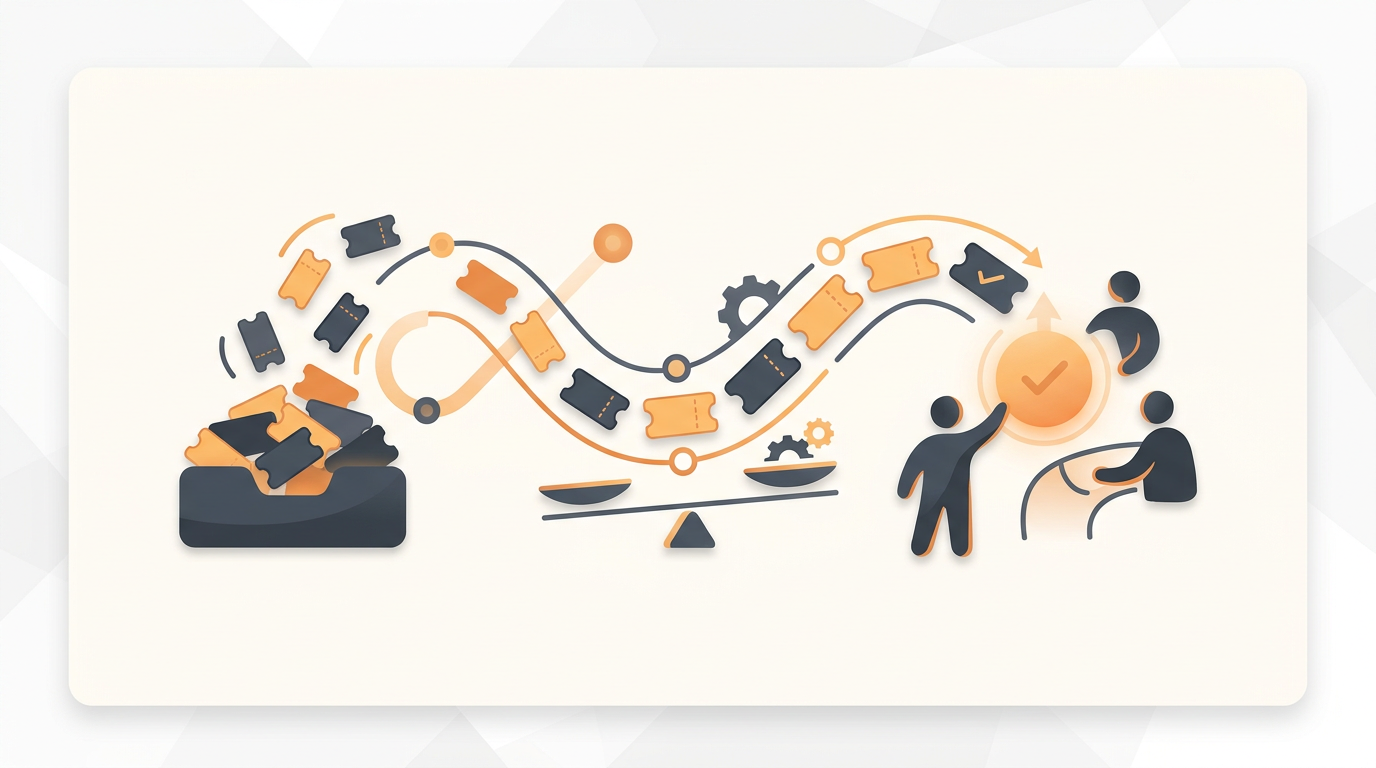
A shared email inbox becomes an operational liability for HR the moment a company crosses roughly 50 employees. Leaving sensitive grievance reports, routine payroll questions, and critical onboarding tasks sitting in the same unprioritized email folder guarantees that strict confidentiality will be broken or a critical deadline will be missed. Moving to a dedicated HR help desk solves this by splitting requests into secure queues, routing predictable questions to self-serve knowledge articles, and capturing necessary data through structured forms before a human ever has to ask a follow-up question.
The breaking point for shared HR inboxes
Many organizations start managing human resources through a standard group alias, like hr@ or people@. This works perfectly when the team consists of one person. As the team grows to include a recruiter, a benefits coordinator, and a generalist, the shared inbox quickly degrades into a chaotic game of email hot-potato. Several structural failures occur simultaneously.
First, there is the collision problem. Two HR team members might begin drafting a reply to the same employee question about parental leave, wasting effort and risking contradictory answers. Alternatively, they succumb to the bystander effect, where everyone assumes someone else is handling a complex complaint, leaving the employee waiting for days.
Second, and far more critical, is the confidentiality problem. HR deals with deeply sensitive data: medical leaves, salary negotiations, disciplinary actions, and harassment reports. In a standard shared mailbox, granular permission control is impossible. Either a team member has access to the inbox and can read everything, or they have no access at all. You cannot hire a junior recruiting coordinator and give them access to the shared inbox without exposing them to executive compensation discussions or confidential employee medical updates.
Finally, email lacks structured intake. When an employee emails a request for a job verification letter, they rarely include all the necessary details. The HR representative must reply asking for the intended recipient, the required format, and the deadline. This back-and-forth turns a three-minute administrative task into a multi-day thread.
Understanding the core mechanics of an HR ticketing system
Transitioning away from email means adopting a system built around tickets, states, and distinct queues. A ticket is simply a single unit of work containing the original request, all subsequent communication, and internal notes that the employee cannot see. The state indicates exactly where the ticket sits in its lifecycle: Open, Pending Employee Response, Escalated, or Resolved.
For an HR team, the most important mechanic is department isolation. Unlike an IT help desk where transparency among technicians is often encouraged, an HR help desk must operate behind a strict wall. When establishing multi-department support, HR requires its own portal card, its own distinct queue, and an optional ticket prefix (such as HR-1005) to differentiate its workload from IT's. More importantly, agents must be limited strictly to the departments they belong to. An IT administrator should not be able to search for or read HR tickets, even if they share the underlying software platform.
This isolation extends to routing. By defining configurable assignment rules, a system can automatically assign specific types of requests to specific people. A ticket categorized as a benefits inquiry routes directly to the benefits manager, completely bypassing the general HR queue. Predictable, flat monthly pricing per workspace ensures you can bring the entire HR team onto the platform to manage these specialized queues without worrying about unpredictable per-seat licensing penalties as the department scales.
Email versus a dedicated HR portal
To clarify exactly what changes during this transition, consider the mechanical differences between a shared inbox and a structured HR service desk.
| Capability | Shared HR Email Inbox | Dedicated HR Help Desk |
|---|---|---|
| Confidentiality | All-or-nothing access. Anyone with the password sees all emails. | Granular. Specific tickets route only to authorized specialists. |
| Intake Structure | Blank canvas. Employees guess what information to provide. | Service Catalog forms demand mandatory fields before submission. |
| Ownership Tracking | Relies on colored categories, tags, or verbal agreements. | Clear assigned owner for every ticket, visible to the whole HR team. |
| Metrics and SLAs | Impossible to measure response times or resolution speed accurately. | Automated tracking of time-to-first-response and total resolution time. |
| Deflection | Zero. Every repetitive question requires a manual email reply. | Self-serve Knowledge Base intercepts questions before they become tickets. |
Illustrative scenario: Escaping the email tangle in a growing business
Consider an illustrative example of an 85-person logistics company. For years, all HR functions ran through a single Microsoft 365 shared mailbox. Whenever a new warehouse manager was hired, the hiring manager would send a loose, unstructured email to the alias.
The HR team constantly dropped tasks because onboarding requires highly coordinated, sequential steps: running the background check, finalizing payroll documentation, adding the employee to the benefits portal, and coordinating with IT for equipment. With three different HR staff members dipping into the same email thread, steps were missed. New hires arrived on their first day without completed I-9s or active benefits enrollment.
By migrating to a structured help desk, the logistics company replaced the open-ended email with a specific "New Employee Onboarding" form in their service catalog. The form required the hiring manager to specify the exact start date, role, and location. Upon submission, the system generated a parent ticket for HR with child tasks assigned to specific individuals. The qualitative result was an immediate drop in onboarding errors. Response times for general inquiries dropped from days to hours, and the HR director finally had a clear view of how much administrative workload the team was handling.
Step-by-step: Migrating HR requests out of the inbox
Moving an entire company's HR workflow onto a new platform requires deliberate sequencing. If you flip the switch without preparing the infrastructure, employees will simply revert to walking up to your desk.
- Map your top five request types: Do not try to catalog every possible HR interaction. Look at the last 30 days of your shared inbox. Identify the five most common requests. These usually include Onboarding, Payroll Inquiries, Benefits Changes, Time Off Adjustments, and General Policy Questions.
- Draft the foundational Knowledge Base: Write clear, concise articles answering the most repetitive questions associated with those top request types. You need these published before you launch so employees have an alternative to opening a ticket.
- Build the Service Catalog forms: Create intake forms for the requests that require action. Keep them brief. If a form asks for 20 pieces of information, employees will abandon it. Stick to the essentials needed to begin the work.
- Configure routing and SLAs: Determine who handles what. Set up your configurable assignment rules so that a benefits form routes directly to the benefits specialist. Establish a baseline Service Level Agreement (SLA)—for instance, a rule that all general inquiries receive a first response within four business hours.
- Connect the existing email alias: You do not have to force everyone to use the portal on day one. Set up email intake by forwarding your existing hr@ mailbox into the new system. When an employee emails the old address, it automatically converts into a ticket, and your reply threads back to them via email.
Designing a service catalog that employees actually use
The service catalog is a browsable menu of pre-approved requests. Instead of staring at a blank email draft, an employee clicks on "Request Leave of Absence" and fills out a structured form. The design of this catalog dictates its success.
Group items logically
Organize the catalog into broad categories that make sense to the employee, not the HR professional. Employees do not think in terms of "Compliance" or "Compensation." They think in terms of "My Paycheck," "Taking Time Off," and "Updating My Information." Use these plain-language groupings.
Use conditional form fields
Minimize friction by only showing fields relevant to the specific request. If an employee selects "Address Change," the form should only ask for the new address and the effective date. Do not include optional fields for emergency contacts unless they are actually required for that specific process. Every unnecessary field increases the chance the employee abandons the form and sends a direct Slack message instead.
Implement approval workflows
Many HR requests require managerial sign-off before action can be taken. A request for a spot bonus or an out-of-cycle promotion needs a paper trail. Build approval workflows directly into the catalog item. When the employee submits the request, the system should automatically route it to their designated manager for approval before it ever lands in the HR team's active working queue.
Deflecting repetitive questions with a grounded Knowledge Base
The most expensive HR ticket is the one that never needed to be created. Questions like "What days do we have off for the holidays?" or "How do I find my W-2?" drain operational bandwidth. A well-maintained Knowledge Base provides employee self-serve search so these common questions are intercepted immediately.
Modern service desks enhance this deflection with AI. When an employee attempts to open a ticket or asks a question via chat, the AI reads the intent and serves the exact paragraph from the company handbook that answers the question. However, for HR, precision and boundaries are non-negotiable. An AI assistant must operate with strict domain isolation. It must only answer a department's questions from that specific department's written policy.
If an employee asks about the bereavement leave policy, the system must pull exactly what is written in the HR Knowledge Base. It cannot guess, it cannot pull a generic standard from the internet, and it absolutely cannot pull from an IT document that happens to share similar keywords. When the written policy does not cover the nuance of the employee's situation, the system must cleanly hand the interaction over to a human HR representative, attaching the full context of the chat so the employee never has to repeat themselves.
Measuring success: Metrics that actually matter for HR operations
Once you are out of the shared inbox, you suddenly have data. The temptation is to measure everything, but HR operations require a specific set of metrics to gauge health.
Time to First Response: This is the most critical metric for employee trust. When an employee submits a sensitive grievance, they do not expect it to be resolved in an hour. But they absolutely need to know it was received and is being reviewed. Setting a strict SLA for first response builds confidence in the system.
Ticket Deflection Rate: Track how many employees start typing a question, are presented with a Knowledge Base article, and subsequently abandon the ticket creation process. A rising deflection rate indicates your written documentation is successfully doing the heavy lifting.
Volume by Category: Pay close attention to spikes in specific ticket categories. A sudden surge in "Payroll Inquiry" tickets right after a software migration usually indicates a systemic problem or a confusing communication that needs to be addressed company-wide, rather than treated as individual isolated incidents.
Common mistakes when launching an HR help desk
Moving to a structured system fixes many problems, but poor implementation can create entirely new ones. Avoid these specific failure modes.
Over-automating sensitive issues
Do not apply aggressive auto-resolution or rigid AI triage to employee relations issues. If an employee selects a category related to workplace harassment, conflict, or serious medical leaves, the system should route that immediately to a senior HR professional. These tickets require human empathy and immediate, careful handling, not a link to a handbook policy.
Failing to secure the data
As mentioned earlier, HR data is uniquely sensitive. A common mistake in mid-sized companies is adding the HR team to an existing IT ticketing system without configuring proper departmental isolation. If the IT helpdesk manager retains global administrator rights that allow them to read HR tickets, you have a severe compliance and privacy violation. You must verify that your system supports absolute compartmentalization between departments.
Creating too many categories
Do not launch a service catalog with 40 different highly specific HR forms. Employees will become overwhelmed, pick the wrong category, or default to the "Other/General" form. Start with five to seven broad categories. You can always refine and expand later based on actual usage data.
Rolling out the new system to your company
The final hurdle is change management. You cannot simply email a link to the new portal and expect a 100% adoption rate. Employees build muscle memory around email.
Start by forwarding the old alias. Communicate clearly that while employees can still email hr@company.com, their emails will now be tracked through a formal ticketing system. When you reply, the system will format the email with a ticket number. This gently introduces the concept of tracked requests without forcing an immediate behavioral change.
Next, aggressively link to the portal. Update the company intranet, pin a message in the general Slack or Teams channel, and include the portal link in every HR team member's email signature. When an employee sends a direct chat message asking for a policy document, politely reply with the direct link to the Knowledge Base article rather than answering the question in the chat. Over time, employees learn that the portal is the fastest path to getting what they need.
Ready to stop managing payroll questions and sensitive employee requests out of a disorganized email folder? Create your workspace and set up a secure, isolated HR department in minutes, giving your team the structured intake and privacy they actually need.
Get started today
Ready to fix internal support?
Free Starter plan. No credit card. Up and running the same day.
Start freeFrequently asked questions
Can we keep our existing HR email address if we move to a help desk?+
Yes. You can configure your help desk to intake emails by simply forwarding your existing alias (like hr@ or people@). Employees can continue sending emails, but they will automatically be converted into trackable tickets in your secure queue.
How do we prevent IT administrators from reading sensitive HR tickets?+
You must use a system that supports strict departmental isolation. By setting up a dedicated portal card and queue for HR, you can restrict agent access so that only members of the HR group can view, search, or edit HR tickets, keeping them entirely hidden from IT staff.
What should we tackle first: building the service catalog or writing the knowledge base?+
Start with the knowledge base. Documenting the answers to your top five most common questions (like holiday schedules or PTO policies) provides immediate value by deflecting routine inquiries, freeing up your time to carefully design your service catalog forms.
How many SLA tiers does a typical HR team need?+
Most HR teams operate effectively with three tiers: Urgent (e.g., severe payroll errors or urgent employee relations issues requiring a 2-hour response), Standard (e.g., onboarding tasks or benefits changes requiring a 24-hour response), and Low (e.g., general inquiries requiring a 48-hour response).