
How to Write an IT Ticket Escalation Policy for Growing Teams
Learn how to draft a functional IT ticket escalation policy. Define support tiers, standardize handoffs, and stop tickets from bouncing between agents.
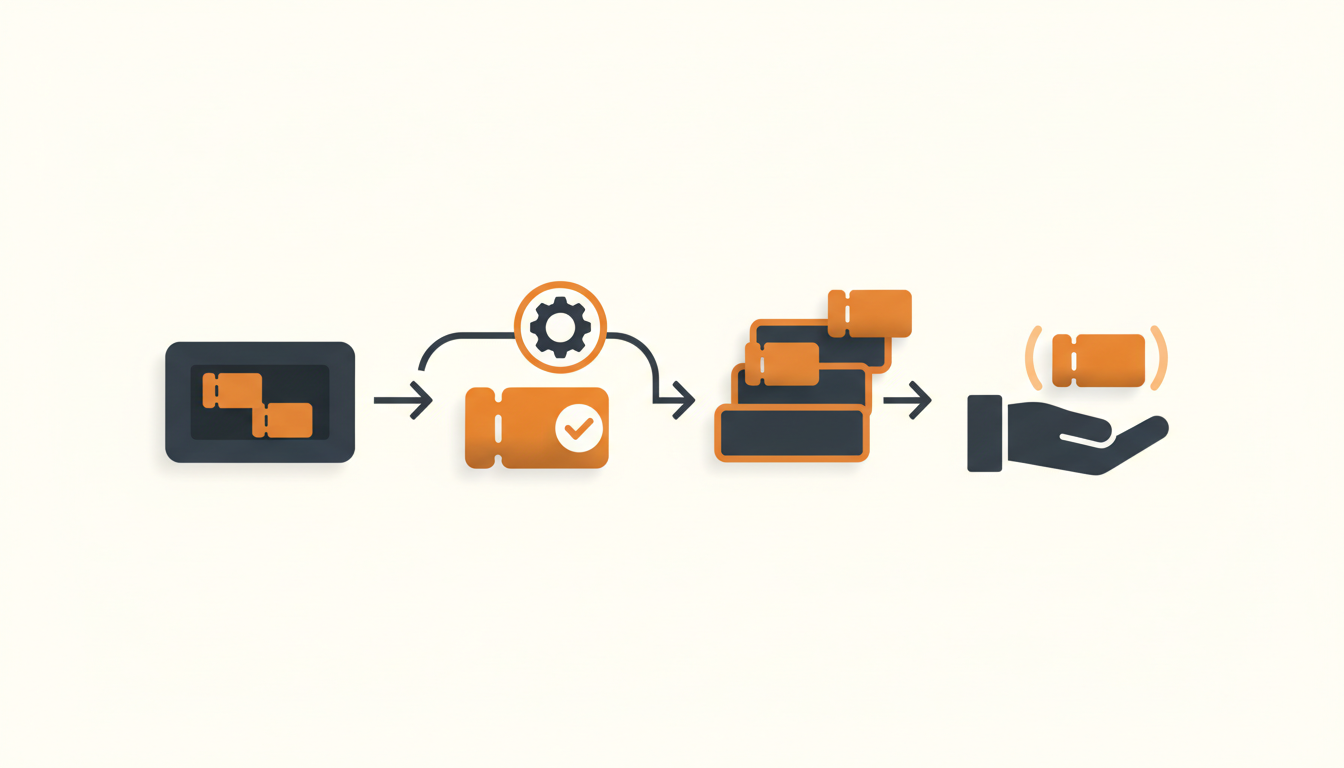
An IT ticket escalation policy dictates exactly when, how, and to whom an unresolved support request moves up the chain. Without one, complex tickets bounce endlessly between frontline agents or sit idle in a general queue while the user waits for answers. Drafting a highly functional policy requires defining strict time limits, mandatory data fields for handoffs, and clear routing paths so every agent knows precisely what to do when they hit a technical wall.
Defining Your Support Tiers First
Before you can write rules about moving tickets between teams, you must clearly define what those teams are. Many small to mid-sized enterprises assume they do not need formal tiers because their IT team consists of only three or four people. This is a trap. Tiers define the complexity of the work, not necessarily different physical departments. You might have the same individual handling both Level 1 and Level 2 work, but treating the workstreams differently prevents simple password resets from delaying critical infrastructure fixes.
Level 1 (L1) acts as the frontline. These agents handle triage, basic troubleshooting, and requests that can be solved strictly by following an established Knowledge Base article. A reasonable default expectation is that L1 should resolve 70 to 80 percent of incoming volume. Level 2 (L2) involves issues requiring administrative access, deeper diagnostic work, or tasks that lack a formal runbook. Level 3 (L3) represents the highest level of internal technical escalation, typically involving engineering teams, network architects, or external vendor support. Defining the boundaries of these three tiers establishes the physical framework your escalation policy will govern.
Functional vs. Hierarchical Escalation
A mature escalation policy separates escalations into two distinct categories: functional and hierarchical. Failing to separate these causes severe reporting headaches later, as you will not know whether a ticket moved because the issue was hard or because your team was simply too busy.
Functional escalation happens when an agent lacks the technical skills, security clearance, or system access required to resolve the issue. If an L1 agent diagnoses a corrupted database index, they must escalate functionally to a database administrator. The ticket moves laterally or upward to a specialized group.
Hierarchical escalation is driven purely by time and authority. This occurs when an SLA (Service Level Agreement) is approaching a breach, or when a user requests an exception to a standing IT policy. If a standard hardware request sits unassigned for four hours, hierarchical escalation triggers an alert to an IT manager to intervene. The agent does not need more technical skill; they need managerial authority or resource reallocation.
The Core Components of a Hand-Off
A policy is only as effective as the data passed during the escalation. The most common point of failure in IT operations is the blank escalation: an L1 agent reassigns a ticket to L2 with no additional context, forcing the L2 agent to start the troubleshooting process from scratch. Your policy must dictate exactly what an agent must document before clicking reassign.
| Bad Escalation Trigger | Good Escalation Trigger |
|---|---|
| Escalate when you cannot fix it. | Escalate if the issue cannot be resolved using available Knowledge Base articles within 15 minutes. |
| Assign to the network team. | Reassign to Group: Network Ops, and require the 'Diagnostic Logs Attached' field. |
| Manager is notified if ticket is late. | Hierarchical escalation alerts the IT Director 30 minutes before a P1 Resolution SLA breaches. |
Mandate that every functional escalation includes a summary of the user's core issue, a list of specific steps already attempted by L1, links to the internal documentation referenced, and the specific reason for escalation. If L2 receives a ticket missing these elements, your policy should empower them to reject the escalation and send it back to L1.
Step-by-Step: Drafting Your First Policy
Writing the actual document requires working systematically backward from your desired outcomes. Follow this specific sequence to build a policy that survives contact with reality.
- Audit past escalations: Pull a sample of 50 tickets that required L2 or L3 intervention over the last month. Identify why they escalated. Were they routed wrong initially? Did L1 lack documentation? Use this data to define what truly belongs at higher tiers.
- Set the time-to-escalate thresholds: Agents need a strict time limit to stop them from falling down diagnostic rabbit holes. A standard baseline is 15 to 30 minutes of active troubleshooting. If L1 cannot find a path to resolution in that window, the policy must dictate automatic escalation.
- Standardize the handoff payload: Create a mandatory checklist or internal note format that agents must complete before reassigning a ticket. This payload must include the exact error message, steps taken, and contact preferences for the user.
- Map the routing matrix: Document exactly which types of issues go to which specific escalation groups. Hardware failures go to Desktop Support; API errors go to Engineering. Remove ambiguity so L1 never has to guess who owns a problem.
- Define the feedback loop: When L2 solves an escalated ticket, the policy must require them to document the fix and alert L1. If L2 consistently fixes an issue in five minutes, they should draft a Knowledge Base article so L1 can handle it next time.
Illustrative Scenario: The 80-Person Logistics Firm
Consider an illustrative example of an 80-person logistics company operating out of three warehouses. They historically managed IT requests via a shared inbox. Every time a warehouse scanner failed or a user needed a software license, the request went to the entire three-person IT team. The most senior engineer frequently answered basic password resets, while critical network latency issues were ignored because everyone assumed someone else was handling it.
They implemented a strict escalation policy alongside a proper ticketing system. All requests first hit L1. The policy stated that L1 had 20 minutes to resolve any scanner connectivity issue using the provided troubleshooting guide. If the guide failed, they were required to attach the scanner's error log and escalate to the Network Ops group. Hierarchical rules dictated that if a warehouse scanner ticket sat in L1 for more than an hour, the IT Manager was automatically paged. The result was qualitative but immediate: L3 interruptions plummeted, and the senior engineer could finally focus on infrastructure while the junior staff confidently handled the bulk of daily requests.
Translating Written Policy into Helpdesk Configuration
A written document sitting in a shared folder does nothing to enforce behavior. You must map your escalation policy directly into your service desk configuration. This means moving away from manual reassignment wherever possible and relying on automated business rules.
When setting up your internal helpdesk, configure Assignment Rules to handle the routing matrix you defined earlier. Instead of L1 guessing which individual should take a complex server ticket, they assign it to a Group (like Infrastructure). The system then uses round-robin or load-balanced assignment to hand it to an available L2 agent.
To prevent tickets from needing L1 triage entirely, implement a Service Catalog for predictable requests. If an employee needs a new software license, a catalog item can pre-fill the ticket and trigger approval workflows automatically, bypassing L1 and going straight to the manager who holds the budget. For everything else, QueAssist AI-powered ticket triage can categorize and route tickets on arrival based on priority and issue type, ensuring that obvious L2 issues never sit in an L1 queue waiting for a human to read them.
Measuring Escalation Health
Once your policy is live, you need concrete numbers to determine if it is working. The primary metric to track is your escalation rate—the percentage of total tickets that move from L1 to a higher tier. A healthy IT operation typically sees an escalation rate between 10 and 20 percent. If your rate is 40 percent, your L1 team is either severely undertrained or lacks the necessary admin permissions to do their jobs.
Monitor the reassignment count per ticket. A ticket should ideally escalate exactly once. If you frequently see tickets with three or four reassignments, your routing matrix is broken, and teams are playing hot potato with the user's issue. Finally, measure the mean time to escalate. If agents are spending two hours trying to fix a problem before giving up and sending it to L2, your time-to-escalate thresholds are either too loose or being entirely ignored.
Common Mistakes and Edge Cases
The most destructive mistake IT managers make is punishing escalation. If you evaluate L1 agents strictly on their first-contact resolution rate, they will hoard tickets. They will spend hours attempting dangerous fixes they do not fully understand simply to protect their metrics, delaying resolution for the user and risking system stability. Escalating appropriately should be praised, not penalized.
Another common error is failing to account for VIP users or critical incidents. Your policy needs an explicit bypass lane. If the CEO's laptop dies during a board meeting, or a primary database goes offline, L1 should not spend 15 minutes checking Knowledge Base articles. High-priority incidents require immediate L2 or L3 intervention, and your policy must explicitly state when the normal rules are suspended.
Finally, rigid escalation policies often break down when organizations use tooling that charges per agent seat, forcing companies to limit who has access to the service desk. This leads to informal escalations via direct messages or emails outside the system. Seeking a tool with flat monthly pricing per workspace allows you to bring your entire engineering and vendor teams into the platform, ensuring every escalation is tracked within a single system of record.
Rolling Out the Policy
A new escalation policy changes how your team works every single day. Rolling it out requires deliberate change management. Do not simply email a PDF to the team on a Friday afternoon. Schedule a dedicated walkthrough.
Explain the reasoning behind the mandatory handoff payload. Show L1 agents how standardizing the data they pass up the chain protects them from L2 sending tickets back. Show L2 agents how the new time-to-escalate rules will protect them from L1 holding onto problems until the user is furiously demanding updates.
Treat the policy as a living document. In the first thirty days, you will discover edge cases your matrix did not cover. Hold a brief weekly review of tickets that were escalated incorrectly and update the policy text and system rules accordingly. Consistent iteration turns a rigid rulebook into an operational reflex.
If your current ticketing system makes it difficult to build automated SLAs, route to specific groups, or deploy AI triage to enforce your new policy, it is time to evaluate a platform built for modern IT operations. Start your QueueDesk trial to configure automated assignment rules, deploy agentic auto-resolution, and keep your escalations moving efficiently.
Get started today
Ready to fix internal support?
Free Starter plan. No credit card. Up and running the same day.
Start freeFrequently asked questions
How long should a Level 1 agent troubleshoot before escalating?+
A standard best practice is 15 to 30 minutes of active troubleshooting. If the agent cannot find a viable solution or relevant documentation within that timeframe, the ticket should be escalated to prevent massive delays in resolution.
Should users be notified when their ticket is escalated?+
Yes. Transparency reduces follow-up requests. A simple automated note stating that the ticket has been reviewed by the frontline team and moved to a specialized group reassures the user that progress is being made.
What should happen if Level 2 rejects an escalation?+
The policy should explicitly state that L2 must provide a reason for the rejection, such as missing diagnostic logs or incomplete troubleshooting steps. The ticket goes back to L1, who must fulfill the missing requirements before re-escalating.
How does AI triage impact traditional escalation policies?+
AI triage acts as a pre-L1 layer. It categorizes and routes requests immediately upon arrival. If an issue is fundamentally an L2 problem (like a server configuration request), AI routes it directly to L2, skipping the L1 queue entirely and saving time.