
How to Write Canned Responses for Common IT Tickets (Templates)
Learn how to write IT canned responses that actually resolve tickets. Steal our templates, build your library, and automate your service desk triage today.
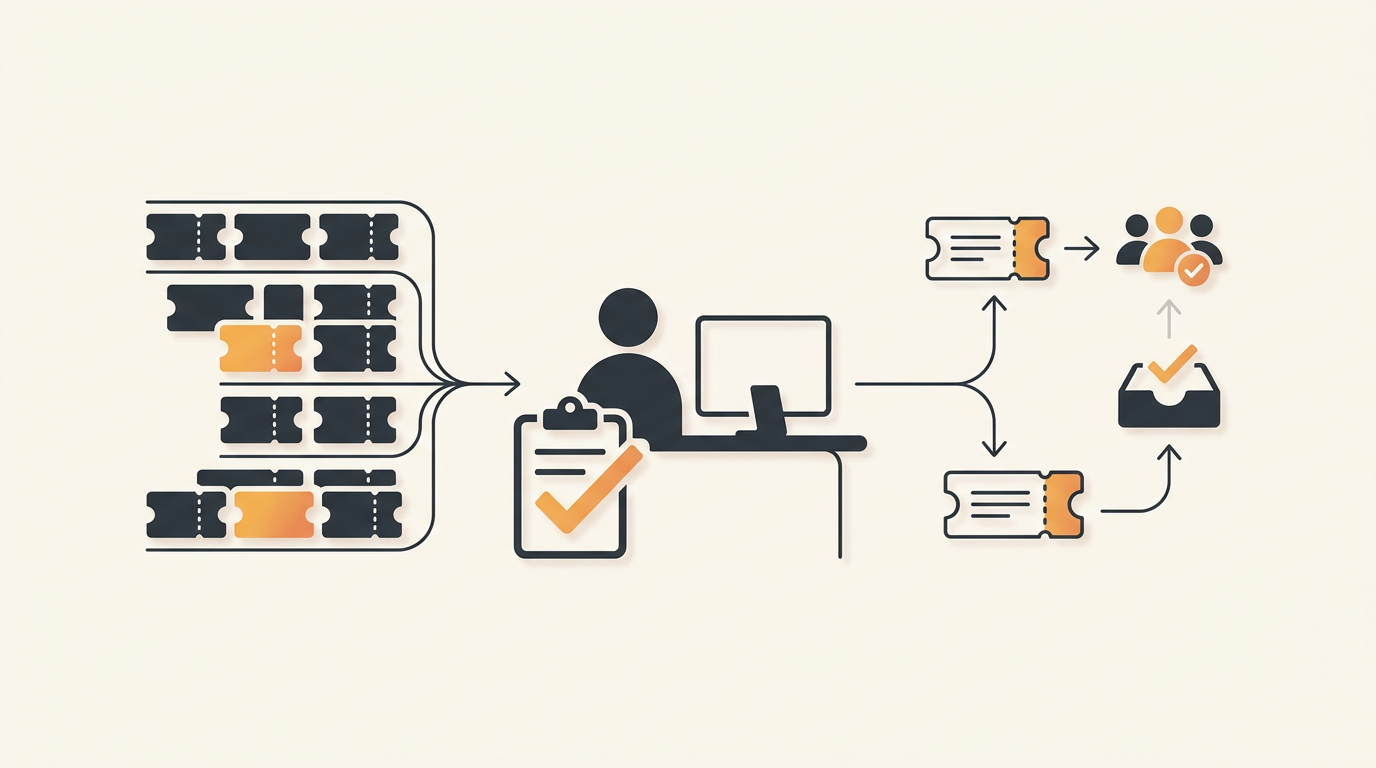
A strong canned response for an IT ticket stops the back-and-forth by delivering a verified solution in a single touchpoint. It requires three specific elements: an acknowledgment of the exact issue, a brief numbered list of remediation steps or a direct link to a self-serve portal, and a clear escalation path if the initial fix fails. Writing these effectively shifts your IT team from constantly reacting to password resets to engineering permanent, documented solutions.
The Anatomy of an Effective Canned Response
Users submit IT tickets because they are blocked from doing their jobs. If your automated response reads like a generic brush-off, they will ignore the instructions and immediately reply asking for a human. An effective macro must project competence and empathy while immediately driving toward resolution.
The Acknowledgment
Never start a macro with "We have received your ticket." The user already knows this. Instead, map the macro to a specific category. A VPN connectivity macro should open with, "I see you are having trouble connecting to the corporate VPN." This validates the user's specific problem, signaling that the incoming instructions are highly relevant to their situation.
The Core Instruction Set
Keep the troubleshooting steps visually distinct. If you bury a configuration setting in a block of text, users will miss it. Limit in-email troubleshooting steps to three or fewer. If the process requires more steps, link directly to your internal Knowledge Base. Provide the exact path or URL, not a generic "search the wiki" instruction.
The Fallback Escalation
A macro must never be a dead end. Always provide a clear "if this doesn't work" condition. End the response with a specific trigger, such as, "If you still receive the Error 403 message after clearing your cache, reply to this ticket and we will assign a network technician to look at your account."
Deciding Which Tickets Need Macros
Drafting a canned response for an obscure server error that happens twice a year is a waste of time. You need a systematic approach to identify high-volume, low-complexity requests that drain your team's weekly capacity. A baseline threshold to use is five identical requests per week; anything hitting that number requires standardization.
Follow this numbered process to prioritize your initial macro library:
- Export 30 days of ticket data: Pull a report of all closed tickets from the previous month.
- Group by root cause, not just category: Filter the data to find identical resolutions. A "software issue" category is too broad; drill down to find every ticket resolved by granting Adobe Creative Cloud access.
- Identify the top five time-wasters: Select the five issues that require the least technical skill but consume the most aggregate time.
- Standardize the fix: Before writing the macro, ensure the IT team agrees on the exact, current remediation steps for those five issues.
- Draft and deploy: Write the responses for these five issues only. Do not attempt to write 50 macros in your first week.
Five Canned Response Templates You Can Steal
The best way to standardize your service desk is to start with proven structures. Below is a comparison table of common ticket types and the precise phrasing you should use to resolve them efficiently.
| Ticket Type | Primary Goal | Template Phrasing |
|---|---|---|
| Password Reset | Immediate self-serve routing | "To regain access to [System], please use our automated self-service password portal at [Link]. If your account is locked due to multiple attempts, reply here and we will unlock it." |
| Software Request | Triggering approval workflows | "I see you are requesting a license for [Software]. To proceed, please submit a formal request through our Service Catalog [Link] so we can route this to your manager for financial approval." |
| VPN Connectivity | Basic local troubleshooting | "Many VPN connection issues are resolved by resetting your local client. Please follow the three steps in this guide [KB Link]. If the error persists, reply with your current IP address." |
| Hardware Procurement | Setting SLA expectations | "We have received your request for new hardware. Standard peripherals are provisioned within 2 business days. If you require expedited shipping for an urgent project, please provide a business justification below." |
| Status Update Request | Deflecting impatience | "Your request regarding [Topic] is currently assigned to the [Group Name] team. We are awaiting vendor confirmation and expect to have an update for you by [Time/Date]." |
Structuring the Knowledge Base Behind Your Macros
Canned responses are a delivery mechanism, not a storage system. If you try to paste a 12-page laptop onboarding guide into a ticket reply, the email formatting will break and the user will become overwhelmed. The macro's job is to act as a bridge to your Knowledge Base.
For this to work, your Knowledge Base articles must be actively maintained. Stale documentation makes macros dangerous. When an automated response directs an employee to an outdated UI screenshot, they lose trust in IT. Implement a quarterly review cycle where ticket volume data dictates which Knowledge Base articles require updates. If a specific macro generates a high volume of follow-up questions, the linked documentation is failing its job and must be rewritten.
Similarly, for requests that require data intake—like asking for a new software license—do not use macros to ask a list of 10 questions. Instead, direct the user to a Service Catalog. A browsable menu of pre-approved requests ensures you capture the right variables upfront, skipping the manual back-and-forth entirely.
Moving from Manual Macros to Auto-Resolution
Traditional canned responses still require an IT agent to open a ticket, read the text, select the appropriate macro from a dropdown menu, and click send. While this saves typing time, it still traps your team in the triage phase. Every minute spent categorizing routine tickets delays work on high-priority incidents.
Modern IT operations bypass this manual step entirely. Rather than relying on staff to trigger responses, teams can adopt platforms offering QueAssist agentic auto-resolution, a capability detailed on our features overview, which categorizes inbound requests on arrival and resolves them automatically using your existing documentation. When an employee emails "I need Visio," the system identifies the intent, checks the Service Catalog, and replies instantly with the exact approval workflow—no human agent required.
This shift from manual macros to agentic resolution fundamentally changes IT metrics. Instead of measuring how fast an agent can apply a template, you measure how many requests are completed before a technician even logs into the queue.
Measuring Macro Success and Refining Over Time
Deploying a library of responses is only the first step; you must measure their impact to ensure they are actually helping. You can evaluate the health of your canned responses through three specific metrics.
The Follow-up Ratio
If a macro is designed to resolve a ticket in one touch, but the average ticket using that macro contains four subsequent replies, the response is broken. High follow-up ratios indicate that your instructions are confusing, your links are broken, or the macro is being applied to the wrong type of problem. Track the number of touches on automated tickets monthly.
First Contact Resolution (FCR)
Effective canned responses should drastically improve your FCR rate. When users get the exact self-serve link they need within minutes of submitting a request, they fix the issue and close the ticket. If FCR remains stagnant after a macro rollout, your team is likely using macros as stalling tactics rather than actual solutions.
Customer Satisfaction (CSAT)
Watch your CSAT surveys closely after implementing new automated replies. A sharp drop in user satisfaction usually points to a tone issue. Employees do not mind automated help if it is fast and accurate, but they deeply resent feeling ignored. If CSAT falls, rewrite your macros to ensure the empathy and escalation paths are clearly visible.
Cost Management and Tooling Selection
Building a scalable response system requires the right infrastructure. Unfortunately, many IT teams find themselves trapped in legacy tools that punish growth. When a system charges per agent seat, IT managers are forced to limit who can access the helpdesk, creating artificial bottlenecks where only a few "licensed" agents can apply macros or trigger workflows.
Scaling standard operating procedures should decrease your operational burden, not inflate your software bill. By adopting a flat monthly model per workspace rather than arbitrary user limits, teams can distribute support duties freely and collaborate without worrying about per-seat pricing limitations. This ensures that whether a ticket requires an IT sysadmin, an HR coordinator, or a facilities manager, the right person can access the system, utilize the Service Catalog, and apply the correct resolution framework.
Common Mistakes and When NOT to Use Canned Responses
The desire to automate everything can lead IT teams to misuse standard responses. Applying a template to the wrong situation damages the relationship between IT and the rest of the business. You must train your agents on when to abandon the script.
Do not use standard macros for high-severity incidents. If the primary database goes down and an engineering lead submits an urgent ticket, replying with a generic "We are looking into your issue" template is infuriating. Major incidents require immediate, custom communication detailing exactly who is investigating the outage and when the next update will occur.
Avoid using canned responses for VIP complaints or complex, multi-layered troubleshooting. If a user writes a three-paragraph explanation of an intermittent hardware failure they have experienced for a month, sending a macro asking them to "turn it off and on again" proves you did not read their message. Recognize edge cases quickly and transition them to human-driven triage.
Implementation Rollout and Change Management
Introducing structured responses requires careful change management, both for the IT staff using them and the employees receiving them. Consider an illustrative example of a 60-person logistics company migrating off disorganized shared email inboxes. Initially, users were accustomed to informal, chatty email replies from a single IT person. When the company moved to a structured helpdesk, they didn't just turn on automated replies overnight. They spent two weeks auditing their most common requests, drafted precise templates linked directly to a newly built Knowledge Base, and instructed agents to personalize the first sentence of every macro during the first month.
This phased rollout trained employees to expect fast, structured answers while proving that real humans were still managing the queue. The qualitative shift was immediate: instead of waiting hours for a manual password reset email, staff resolved basic access issues in minutes, freeing the sole IT manager to focus on actual infrastructure improvements.
Building an effective IT response library requires the right foundation. You need a platform that supports proper ticket types, automated triage, and a robust self-serve portal out of the box. Start building your automated response library today by setting up your workspace and creating a free account.
Get started today
Ready to fix internal support?
Free Starter plan. No credit card. Up and running the same day.
Start freeFrequently asked questions
How often should IT teams review and update their canned responses?+
You should audit your canned response library at least quarterly. Review ticket data to see which macros generate high follow-up ratios, as this indicates the instructions are either confusing or outdated. Any time a core software system is updated, the corresponding macros must be revised immediately.
Should canned responses include placeholders for the user's name?+
Yes. Using dynamic variables to insert the user's name and the specific asset or system they are inquiring about prevents the response from feeling robotic. However, ensure your ticketing system reliably pulls this data; a macro starting with 'Hello [First_Name]' looks highly unprofessional if the variable fails.
How do we handle employees who refuse to read automated troubleshooting steps?+
This is often a symptom of bad macro design in the past. To retrain behavior, ensure your macros are incredibly concise (under 3 steps) and clearly state that following the steps is the fastest way to resolution. If a user bypasses it, a human agent should gently guide them back to the self-serve step while maintaining a helpful tone.
Can we use macros for complex requests like onboarding a new employee?+
Macros are poor tools for multi-variable requests like onboarding. Instead of using a canned response to ask a hiring manager 15 questions about permissions and hardware, direct them to a Service Catalog form where these fields are required before the ticket can even be submitted.