
How to Use AI to Draft Support Replies Without Losing Quality
Learn how IT teams use agentic AI to draft accurate support replies. Discover the workflows, KB structuring rules, and routing tactics that maintain quality.
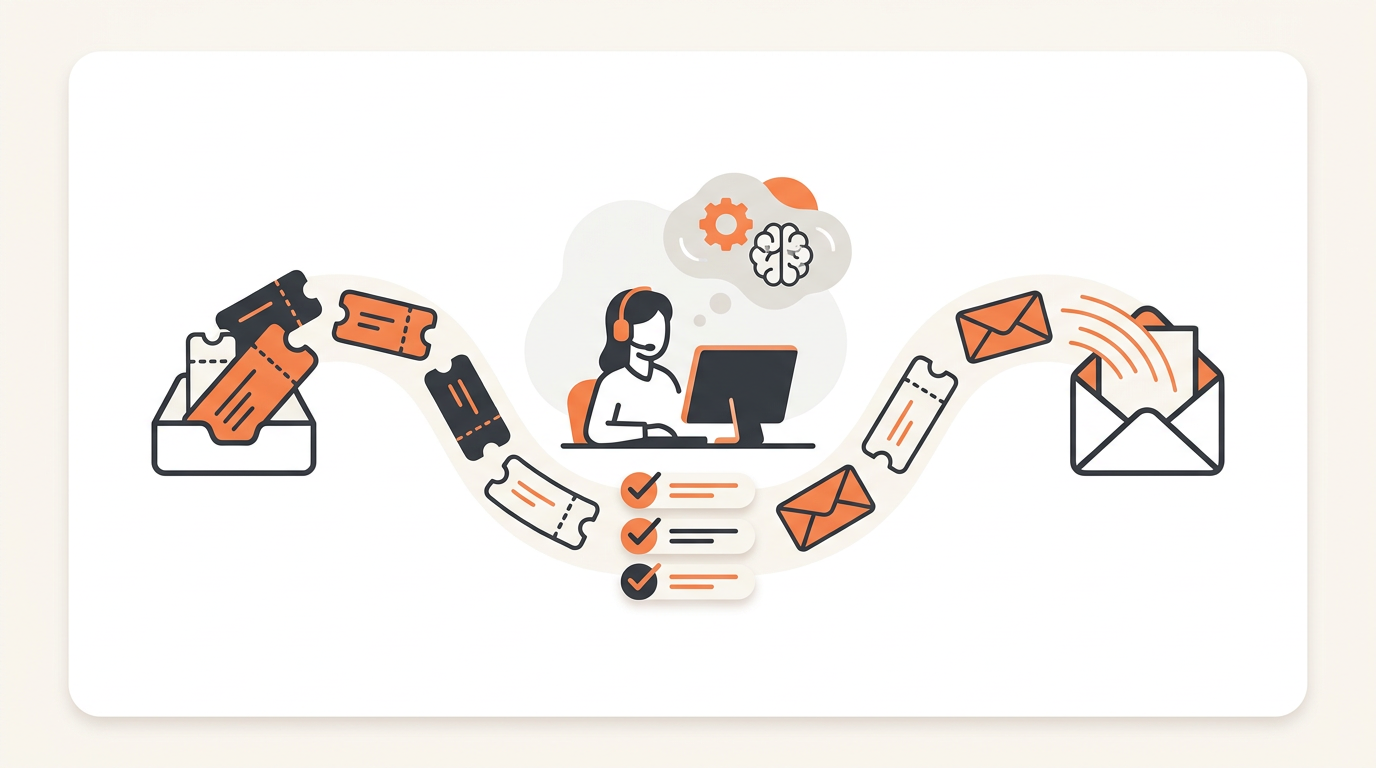
Using AI to draft support replies without degrading quality requires grounding the system strictly in your own internal documentation, rather than relying on its generic training data. You achieve this by deploying agentic auto-resolution tied to a well-maintained Knowledge Base, ensuring the AI only provides answers it can explicitly verify. When a request falls outside this documented scope, the AI must instantly hand the ticket off to a human rather than guessing.
The Quality Paradox: Why AI Replies Often Fail in IT Support
Generic language models are people-pleasers. They are trained to generate text that sounds helpful, polite, and confident. In an IT support context, this behavior is a massive liability. When an employee submits a ticket asking how to map a specific network drive or request software access, a generic AI text generator will often hallucinate a plausible-sounding server name or invent an approval process based on internet averages. The text reads beautifully, but the technical advice is entirely wrong.
Quality in IT support does not mean perfect prose; it means technical accuracy and rapid resolution. If an AI drafts a reply that tells a user to modify their registry to fix a printer issue, the quality of your service desk has effectively dropped to zero, regardless of how empathetic the tone was. Maintaining quality requires abandoning the idea of AI as an open-ended conversationalist. Instead, you must treat the AI as a strict, rule-bound executor of your existing IT policies. The AI should not be drafting replies from scratch; it should be retrieving your documented procedures, synthesizing them into a readable format for the specific employee, and stopping immediately if it lacks the required information.
How Agentic Auto-Resolution Actually Works
To draft replies safely, you need an AI system that acts as an agent rather than just a text expander. A basic text expander predicts the next word. An agentic system executes a workflow. When a ticket arrives via your employee portal, an agentic AI reads the intent, searches your proprietary systems, and makes a binary decision: "Do I have the exact steps to resolve this, or do I need a human?"
If the answer is yes, the AI drafts the reply based solely on the retrieved data. This process relies on Retrieval-Augmented Generation (RAG). The AI essentially reads your Service Catalog and Knowledge Base on the fly. If an employee asks for a new software license, the AI finds the exact entry in the Service Catalog, identifies the approval workflow required, and drafts a reply asking the user to confirm their manager's approval. You can explore how standard features like QueAssist handle this exact workflow by linking agentic auto-resolution directly to the org's own Knowledge Base. The AI resolves common, well-documented employee requests automatically, but it only speaks when it has the receipts.
Structuring Your Knowledge Base for AI Consumption
If your Knowledge Base is a graveyard of outdated, thousand-word PDFs, your AI will draft terrible replies. AI models parse structured data far more effectively than dense narrative text. Before you turn on any auto-reply functionality, you must format your documentation so a machine can easily extract the actionable steps.
The 500-Word Constraint
Keep procedural articles under 500 words. If a process takes more than 500 words to explain, it is too complex for auto-resolution and should be handled by a human agent or broken down into a multi-stage Service Request. Short, tightly scoped articles prevent the AI from combining instructions from two unrelated sections of a massive document.
Formatting for Parsability
Use strict formatting hierarchies. Start with a clear, intent-driven H1 title (e.g., "How to Reset Cisco VPN Password"). Use H2s for distinct conditions (e.g., "If you are on a Mac", "If you are on Windows"). Always use numbered lists for sequential actions. When an AI reads a numbered list, it understands causality and order of operations, which allows it to draft a reply that accurately guides the user step-by-step.
Scoping Policies vs. Procedures
Keep policies (why we do something) separate from procedures (how we do something). If a KB article spends three paragraphs explaining the history of your password compliance rules before listing the reset link, the AI might draft a reply summarizing the policy history while burying the actual reset link. Procedural articles must be aggressively pragmatic.
Implementing AI Reply Drafting: A Step-by-Step Guide
Rolling out AI-drafted replies across an entire service desk overnight guarantees chaos. Implementation must be phased, targeting high-volume, low-complexity tickets first.
- Isolate High-Volume Clusters: Export your last 90 days of tickets. Filter out Incidents, Problems, and Changes. Focus strictly on Service Requests. Identify the top five most common requests (usually password resets, application access, or guest Wi-Fi credentials).
- Audit the Source Material: Review the KB articles and Service Catalog entries associated with those five clusters. Rewrite them following the parsability rules outlined above. Ensure every single step is currently accurate.
- Configure Boundaries and Triage: Set up your system to only allow AI drafting for these specific categories. If a ticket mentions "laptop battery swelling," the system must bypass the AI and trigger an escalation alert to the right group.
- Define SLA and Escalation Rules: Establish Configurable SLA rules for AI interactions. If an employee rejects the AI's drafted reply or indicates the issue persists, the ticket must immediately route to a human queue with a high-priority SLA attached.
- Monitor the Initial Batch: Review the first 100 AI-drafted replies manually. Do not just look at whether the ticket was closed; read the transcript. Verify that the AI strictly adhered to the KB article and did not invent extra troubleshooting steps.
Categorization and Triage Before Drafting
Drafting a high-quality reply is impossible if the AI misunderstands what the ticket is actually about. Before a single word of a reply is generated, the system must perform accurate triage. AI-powered ticket triage categorizes, prioritizes, and routes tickets on arrival based on the text submitted by the employee.
If an employee submits a ticket saying, "I cannot get into Salesforce and I have a huge client presentation in ten minutes," triage must happen first. The AI categorizes this as an application access Incident, sets the priority to High due to the urgency keyword ("ten minutes"), and applies assignment rules to route it via first-match routing to the SaaS applications team. Only after this classification occurs should the auto-resolution engine attempt to draft a reply. If the AI determines this is a known issue documented in the KB (e.g., "Salesforce SSO is currently undergoing maintenance"), it drafts that exact reply. If it cannot find a match, it stays silent and lets the assigned human group handle the high-priority ticket.
Illustrative Scenario: Managing the Monday Morning Spike
Consider an illustrative example of a 150-person logistics company operating across three regional hubs. Every Monday morning, their two IT generalists face a predictable spike in tickets: drivers locked out of the dispatch portal, warehouse staff needing barcode scanner resets, and office workers requesting temporary access to shared drives. Historically, the IT team spent the first four hours of every Monday manually copying and pasting replies from a shared OneNote document into their ticketing system.
They implemented an AI-first internal service desk configured specifically for these repetitive tasks. They built three precise KB articles covering the dispatch portal, scanner resets, and shared drive access. They enabled AI chat intake on their employee portal. Now, when a driver requests a portal reset, the AI instantly retrieves the exact KB article, drafts a reply with the secure reset link, and prompts the user to confirm success. The qualitative outcome was immediate: the volume of manual replies dropped from hours of work to mere minutes of oversight. The IT generalists stopped acting as human text-expanders and started dedicating their Monday mornings to proactive network maintenance.
Measuring Quality vs. Speed
When you transition from human-drafted replies to AI-drafted replies, traditional helpdesk metrics can become misleading. A sudden drop in Time to Resolution (TTR) looks great on a dashboard, but if employees are receiving useless AI replies and simply abandoning their requests in frustration, your service quality has degraded.
| Metric | Traditional IT Support | AI-Assisted Support | Why the Focus Shifts |
|---|---|---|---|
| Time to Resolution (TTR) | Primary indicator of team efficiency. | Becomes a bifurcated metric (Human TTR vs AI TTR). | AI TTR will always be near-zero. You must isolate Human TTR to see if the AI is genuinely filtering out noise or just delaying human intervention. |
| First Contact Resolution | High FCR means knowledgeable agents. | Auto-Resolution Rate replaces FCR for known issues. | You measure how often the AI successfully drafts a reply that the user accepts without requiring an escalation hand-off. |
| CSAT Surveys | Measures user satisfaction with the human agent. | Measures user trust in the AI intake process. | Low CSAT on AI interactions usually points to poorly structured Service Catalog entries or outdated KB articles forcing the AI to guess. |
Rethinking these metrics also changes how you evaluate the cost of your tooling. Traditional enterprise platforms charge per agent seat, punishing you for having a larger team even if the AI is doing the heavy lifting. Moving to a model with flat monthly pricing per workspace allows you to evaluate the AI's efficiency based strictly on how much time it saves the company, rather than worrying about seat-license ratios for your tier-1 agents.
Common Mistakes and When Not to Use AI Drafting
The most common failure mode in AI service management is over-deployment. AI is highly effective for Service Requests (routine, pre-approved tasks) and simple Incidents (known errors with documented fixes). It is actively dangerous when applied to complex ITIL ticket types like Problems or Changes.
If your infrastructure monitoring tool automatically creates a Problem record because a core database cluster is failing, an AI should never attempt to draft a status reply to the engineering team. Those situations require human judgment, incident command structures, and nuanced communication. Similarly, approval workflows for major network Changes should be strictly gated behind human oversight. Do not allow AI to draft justification narratives for security architecture changes.
Another critical mistake is enabling AI auto-resolution on undocumented legacy systems. If you have a proprietary, ten-year-old inventory application that frequently crashes, and the only known fix resides in the head of your senior sysadmin, the AI cannot help you. Do not point an AI at a blank Knowledge Base and expect it to figure out your environment. If the process is not explicitly documented, disable AI drafting for that specific category.
Transitioning Your Team to AI-Assisted Workflows
IT professionals are naturally skeptical of automation that claims it can do their jobs. If you mandate AI reply drafting without proper change management, your agents will actively look for reasons the system is failing. You must frame the transition correctly: the AI is not there to replace their technical expertise; it is there to absorb the repetitive, low-value interactions that cause burnout.
Involve your senior agents in writing the KB articles that the AI will consume. When agents realize that the AI is strictly regurgitating the exact procedures they wrote, trust increases. Establish a feedback loop where agents can flag bad AI replies. When an AI drafts a confusing response, the follow-up action should never be to blame the tool; the action must be to update the underlying Knowledge Base article so the tool learns the correct parameters for the next interaction.
Deploying AI to handle your support queue requires a system built specifically for internal IT operations, not generic customer service. If you are ready to stop answering the same password reset tickets and want an AI that relies strictly on your own Knowledge Base to draft accurate, verifiable replies, you can set up your workspace here and begin mapping your Service Catalog today.