
How to Structure an Internal Support Team for a 100-Person Company
Learn how to build a scalable internal support structure for a 100-person company, including tier definitions, routing rules, and intake workflows.
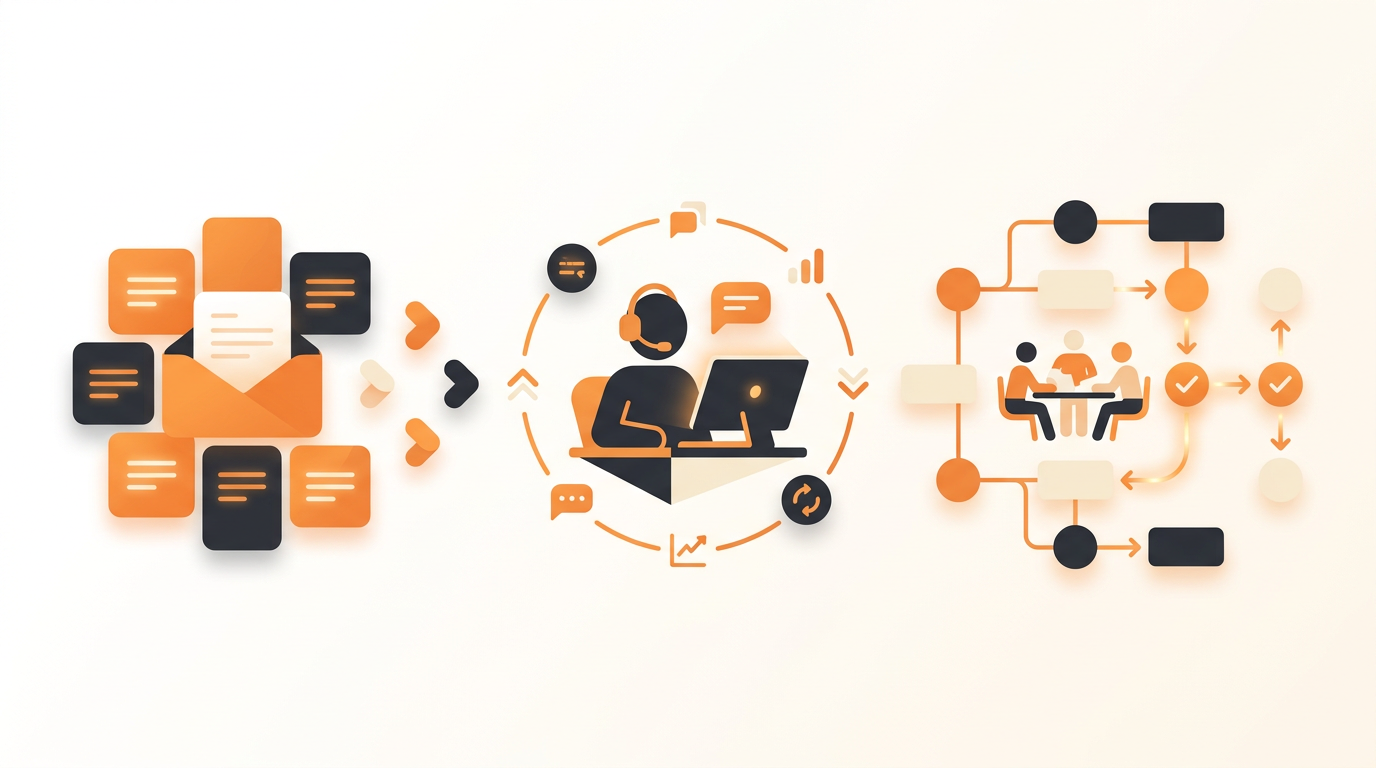
At 100 employees, a company requires a hybrid internal support structure: an automated intake layer for self-service, a single dedicated IT generalist to triage incoming issues, and formalized escalation paths to department specialists in HR, Facilities, or Finance. You can no longer rely on whoever answers a shared ops inbox first. Establishing clear assignment rules and a browsable service catalog ensures requests are categorized and routed to the correct group immediately, rather than languishing in an unmonitored email thread.
The Inflection Point: Why 100 Employees Breaks Shared Inboxes
When an organization reaches 100 employees, the informal networks that previously held internal operations together begin to snap. At 30 people, an employee with a broken laptop simply walks over to the most technical person in the office. At 50 people, a shared it@ or help@ email alias might still function because the volume remains manageable, and institutional knowledge is highly concentrated.
By the time headcount hits 100, the dynamics shift entirely. You are likely processing 20 to 40 internal requests daily across IT, HR, and operations. Employee onboarding and offboarding are no longer rare events; they are continuous processes requiring coordinated action across multiple departments. If an offboarding request sits unread in a shared inbox for three days, you have an active security vulnerability. If a new hire request gets buried, an employee spends their first week without access to critical software.
The fundamental issue at this stage is a lack of structured intake and routing. Email is entirely unstructured. An employee emailing "I can't log in" provides zero context about which system is failing, what error message they see, or how urgent the issue is. Structuring your team means moving away from unstructured text strings and toward categorized, prioritized data.
The Core Model: A Hybrid Tiered Support Structure
Enterprise organizations use a rigid, multi-tiered support model (Tier 1 through Tier 3) staffed by dozens of agents. A 100-person company cannot afford this overhead, nor does it need it. Instead, you should implement a hybrid model tailored to mid-sized operations.
Tier 0: Automated Triage and Self-Service
Your first line of defense should not be a human being. Tier 0 represents your automated systems and employee self-serve options. This tier intercepts common questions before they become actual tickets requiring human intervention. By deploying a well-maintained Knowledge Base, employees can search for immediate answers to routine questions, such as connecting to the guest Wi-Fi or requesting a payroll stub.
Advanced setups now handle much of this tier automatically. For example, QueAssist agentic auto-resolution can intercept an incoming request for a password reset, cross-reference your organization's Knowledge Base, and guide the user through the resolution steps without a human agent ever touching the ticket. This keeps the queue clear for complex problems.
Tier 1: The IT Generalist and Triage Point
At 100 employees, you typically need exactly one dedicated IT generalist. This person acts as your Tier 1 support. They monitor the primary queue, address common technical issues, provision hardware, and manage basic access controls. Crucially, they also serve as the dispatch function. If a request comes in that requires specialized knowledge, they route it to the appropriate Group rather than letting it sit in a general bucket.
Tier 2: Department Specialists (The Part-Time Agents)
In a mid-sized company, Tier 2 consists of specialists whose primary job is not necessarily IT support, but who must resolve specific types of tickets. This includes the HR manager (handling payroll queries or onboarding compliance), the DevOps engineer (handling server access or production bugs), and the Facilities manager (handling broken office equipment).
These individuals do not sit in the queue waiting for tickets. They rely on assignment rules to notify them only when a ticket specifically categorized for their Group requires attention.
Defining Roles and Access within Groups
Structuring a team requires defining who owns what. Utilizing team-based ownership through Groups prevents the "bystander effect," where everyone assumes someone else is handling a critical request.
Create specific Groups based on operational function rather than individual names. Common defaults for this company size include:
- IT Operations: Handles hardware, standard software licensing, and general technical incidents.
- People / HR: Manages payroll questions, benefits enrollment, and onboarding workflows.
- Systems / Infrastructure: An escalation point for deep technical issues, network outages, or specialized developer access.
When an employee submits a request, configurable assignment rules should use a first-match routing system to drop the ticket directly into the correct Group's bucket. If a ticket sits unassigned within a Group for too long, SLA rules should trigger an escalation alert to the department head.
Moving from Blank Forms to a Service Catalog
One of the most effective ways to structure the work hitting your support team is to change how employees ask for help. A blank text box encourages vague requests that require three rounds of back-and-forth questioning to clarify.
Instead, implement a Service Catalog. A Service Catalog functions as a browsable menu of pre-approved requests. When an employee needs a new laptop, they do not send an email; they select "Request Hardware" from the catalog. This selection pre-fills the ticket with the exact fields the IT generalist needs: operating system preference, department, and shipping address.
Combining a structured catalog with modern intake methods drastically reduces triage time. By exploring features like an AI-powered employee portal, you can offer users the choice of selecting catalog items via traditional forms or simply typing their request into an AI chat interface that parses their intent and categorizes the ticket automatically.
Step-by-Step Implementation Checklist
Transitioning from a chaotic shared inbox to a structured support model requires a systematic approach. Follow this sequence to establish your new team structure:
- Audit Historical Requests: Review the last 30 days of email requests. Categorize them to identify the highest volume issues. You will typically find that password resets, software access, and hardware troubleshooting make up 70% of the volume.
- Draft Initial Knowledge Base Articles: Write concise, step-by-step guides for the top five most common issues identified in your audit. Make these searchable immediately.
- Define Your Service Catalog Items: Build 5 to 10 standard service request templates. Start with "New Employee Onboarding," "Software License Request," and "Hardware Replacement."
- Configure Groups and Routing: Set up your distinct teams (IT, HR, Ops). Establish first-match routing rules so that any ticket containing the phrase "benefits" routes to HR, while a selection from the "Hardware" catalog routes to IT.
- Establish Baseline SLAs: Configure Service Level Agreements based on priority. Do not overpromise. A solid baseline is 24 hours for Low priority, 8 hours for Medium, 4 hours for High, and 1 hour for Critical issues.
- Train the Specialists: Walk your Tier 2 personnel (HR, Finance, etc.) through how to receive, update, and close tickets routed to their Groups. Ensure they understand they are only responsible for their specific queues.
- Launch the Employee Portal: Direct all staff to submit requests through the new portal or chat interface. Enforce this strictly—if someone sends a direct message requesting help, ask them to submit it through the portal so it gets tracked.
Differentiating Incidents from Service Requests
A major structural improvement involves teaching your team to recognize full ITIL ticket types, specifically distinguishing between Incidents and Service Requests.
An Incident is an unplanned interruption to an IT service. Something is broken right now. Examples include the office Wi-Fi going down or an employee's laptop failing to boot. Incidents require immediate triage to restore normal operations.
A Service Request is a formal request for something new to be provided. Nothing is broken; the user simply needs a resource. Examples include requesting access to a CRM, asking for a monitor, or initiating an onboarding workflow. Service requests often require approval workflows before they can be fulfilled.
Mixing these two concepts in a single unprioritized queue guarantees that critical Incidents will be missed while the IT generalist fulfills routine Service Requests. Your routing rules must prioritize Incidents above all else.
Measuring Success: Metrics That Matter at 100 Employees
Once your team structure is in place, you must measure its effectiveness. Avoid complex enterprise reporting and focus on metrics that directly reflect employee experience and team capacity.
| Metric | Why It Matters | Reasonable Benchmark for 100 Employees |
|---|---|---|
| First Contact Resolution (FCR) | Measures how often the IT generalist or automated systems resolve an issue without escalating to a Tier 2 specialist. High FCR means your Tier 0/1 structure is working. | 60% - 75% |
| Time to Resolution (TTR) | Tracks the total time from ticket creation to final closure. It highlights bottlenecks in approval workflows or complex escalations. | Under 24 hours for Service Requests; Under 4 hours for Incidents. |
| CSAT (Customer Satisfaction) | Captured via automated surveys upon ticket closure. It provides a qualitative read on whether the support experience is frustrating or helpful. | Average score of 4.5/5 or higher. |
| SLA Breach Rate | Indicates how often the team fails to meet the time thresholds defined by priority. A high breach rate usually signals understaffing or overly aggressive SLA targets. | Under 5% |
Track these metrics weekly. If your SLA breach rate spikes, investigate whether the volume has increased or if a specific Group is struggling to manage their assigned queue.
Common Mistakes When Restructuring Internal Support
Many ops managers attempt to structure their support team by blindly copying enterprise frameworks. This leads to heavy administrative burdens that frustrate employees.
Mistake 1: Over-Engineering Approvals
Do not require manager approval for every minor request. If an employee requests a standard mouse replacement or a license for a $10/month productivity tool, inserting a manual approval step wastes time. Reserve strict approval workflows for expensive hardware changes or access to systems containing sensitive financial data.
Mistake 2: Buying Per-Seat Enterprise Tooling
At 100 employees, you need various specialists—HR, facilities, office management—to occasionally log in and resolve specific requests. If you purchase legacy helpdesk software that charges a high fee per "agent seat," you will be financially penalized for involving the right people. You will end up sharing logins, which destroys accountability. Opt for platforms that offer predictable budgeting through flat monthly pricing per workspace, allowing you to invite as many part-time Tier 2 specialists as you need without watching your software bill double.
Mistake 3: Creating Form Fatigue
If you build a Service Catalog that requires employees to fill out 15 mandatory fields just to ask a question, they will bypass the system entirely. They will resort to sending direct messages to the IT person, defeating the entire purpose of your structured queue. Keep intake forms brief. Rely on AI categorization and routing to do the heavy lifting in the background.
Illustrative Scenario: Structuring Support for a Mid-Sized Logistics Firm
Consider an illustrative example of a 110-person regional logistics company. Previously, all issues went to an ops@ email address monitored casually by an office manager and a lone IT technician. When drivers reported broken handheld scanners, the emails routinely got lost beneath HR payroll questions and facilities requests.
To fix this, the company implemented a structured tiered model. They launched an employee portal with a clear Service Catalog. They configured assignment rules so that any ticket containing "scanner" or "hardware" routed directly to an IT Group queue, while payroll questions routed to the HR Group.
They also activated an AI triage system. When a warehouse worker submitted a vague request like "My login isn't working," the system automatically categorized it as an Incident, flagged it as High priority, and routed it to the IT technician. By replacing the shared inbox with team-based routing and a service catalog, the time required to route and acknowledge critical field issues dropped from hours to minutes, and they completely eliminated lost onboarding requests.
Transitioning to a Structured Future
Structuring a support team for a 100-person company is less about hiring an army of technicians and more about establishing intelligent routing, clear ownership, and effective self-service. When you separate intake from execution, prioritize Incidents over routine requests, and bring department specialists into specific, managed queues, internal support stops being a bottleneck. If your organization is outgrowing shared inboxes and you need an AI-first internal service desk designed precisely for this scale, you can sign up and create your workspace to begin automating your internal support today.