
How to Reduce Ticket Resolution Time with AI Triage
Learn how AI triage eliminates manual routing delays and cuts ticket resolution times by automating categorization, prioritization, and team assignment.
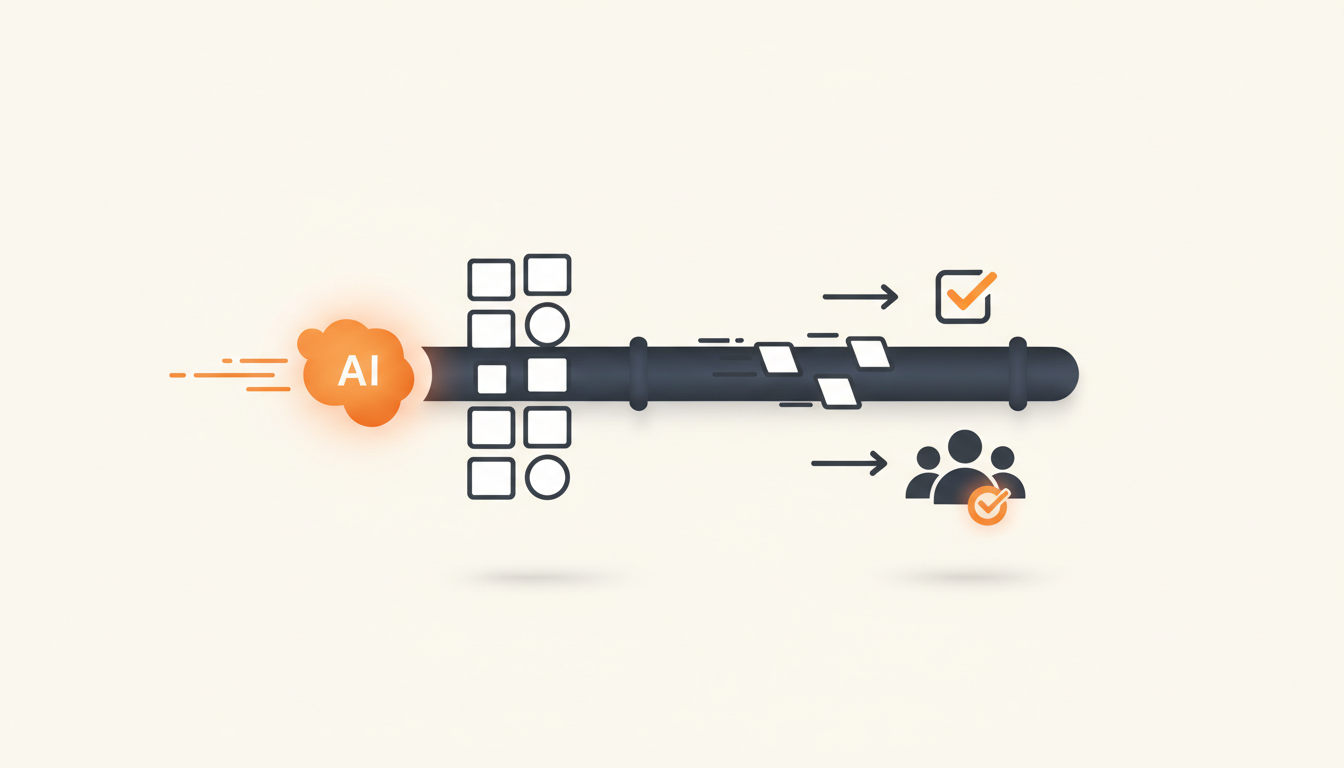
Reducing ticket resolution time with AI triage means eliminating the waiting-for-assignment phase that makes up the bulk of a typical request's lifespan. Instead of a human dispatcher spending hours reading and routing incoming requests, an AI categorizes the issue, applies the correct SLA priority, and routes it to the specific team group instantaneously. This structural change cuts dead time out of the process before an IT agent even begins troubleshooting.
The Hidden Cost of Manual Dispatch
When you break down Mean Time to Resolution (MTTR), the actual hands-on troubleshooting usually takes a fraction of the total time. The hidden killer of fast resolution is queue time. A user submits a ticket. It sits in an unassigned inbox for three hours. A Tier 1 agent reads it, realizes it belongs to the networking group, and reassigns it. It sits in the networking queue for another two hours. Five hours have passed, and zero actual work has been done on the issue.
Manual triage forces highly paid IT professionals to act as traffic cops. In an SME with 50 to 200 employees, you likely do not have a dedicated dispatcher. That means your system administrators are interrupting deep work to categorize password resets and software access requests. The cost here is twofold: users wait longer for simple fixes, and your IT staff burns out on administrative overhead rather than technical problem-solving.
By automating the triage step, you compress the timeline. The ticket moves from submission directly to the actionable queue of the person equipped to solve it.
How AI Triage Alters the Flow of Work
Traditional routing relies on rigid IF/THEN rules based on dropdown menus. If a user selects 'Hardware' from a category dropdown, the ticket goes to the hardware team. The flaw in this model is human error: employees routinely select the wrong category because they either do not understand IT taxonomy or just pick the first option to submit the form quickly.
AI triage skips the reliance on perfect user input. By analyzing the natural language in the ticket subject and description, systems like QueAssist interpret the user's actual intent. It reads 'my screen is flickering green' and understands this is a hardware issue, categorizing it accurately even if the user selected 'Other'.
This capability fundamentally shifts how you design intake. You no longer need 15 mandatory fields on a submission form. You can offer an employee portal with a choice of traditional forms or conversational AI chat intake, knowing the backend will standardize the unstructured data into neatly categorized ITIL ticket types—whether it is an Incident, Service Request, Problem, or Change.
Triage Output Comparison
| Triage Method | Categorization Accuracy | Time to Route | Employee Experience |
|---|---|---|---|
| Manual Dispatch | High (but inconsistent) | Hours | Frustrating; requires filling out long, rigid forms to help the dispatcher. |
| Rule-Based (IF/THEN) | Low (relies on users selecting correct dropdowns) | Instant | Confusing; users often guess categories. |
| AI Triage | High (understands natural language intent) | Instant | Frictionless; users describe the problem in their own words via chat or simple forms. |
Structuring the Foundation: Service Catalogs and Knowledge Bases
AI triage is highly effective at routing unstructured text, but the fastest ticket is the one that never requires troubleshooting. Before relying entirely on AI to read blank forms, you must build out your Service Catalog. A Service Catalog provides a browsable menu of pre-approved requests—like a new laptop, a software license, or guest Wi-Fi access. Because these are predefined, they bypass triage entirely. The ticket is pre-filled, the correct approval workflows trigger automatically, and the request flows straight to the fulfillment queue.
Similarly, an internal Knowledge Base allows for employee self-serve search. If a user tries to submit a ticket about connecting to the VPN, the system should suggest the 'How to Connect to VPN' article before the ticket is finalized. When you combine a Service Catalog for standard requests, a Knowledge Base for deflection, and AI triage for the remaining unstructured incidents, you create a highly efficient funnel.
This multi-tiered approach is exactly why modern teams choose platforms that unify these elements. If you are comparing core features of dedicated IT service management tools, ensuring the AI can read and suggest from your specific Knowledge Base is a primary requirement.
Step-by-Step Implementation for SMEs
Deploying automated routing does not require a massive consulting engagement. If you are moving off a shared inbox or a generic task tracker, follow this sequence to implement AI triage predictably.
- Define Your Core Groups: Do not route tickets to individual agents. Create Groups for team-based ownership (e.g., Tier 1 Support, Networking, Hardware, HR IT). This ensures that if one person is out sick, the ticket does not stall in their personal queue.
- Establish SLA Rules per Priority: Define what 'Urgent' means versus 'Low Priority'. Set up configurable SLA rules so that an urgent server outage gets a 15-minute response target, while a request for a new mouse gets a 24-hour target.
- Clean Your Knowledge Base: The AI needs a ground truth. Review your top 20 most requested fixes and ensure there is a clear, up-to-date article for each. Archive outdated instructions.
- Enable First-Match Routing: Configure assignment rules so that when the AI identifies a ticket as 'Networking' and 'High Priority', it immediately lands in the Networking group's queue and starts the correct SLA timer.
- Train the AI on Historical Data (If Applicable): If you are migrating existing tickets, feed that historical data into the system so the AI understands your specific organizational vocabulary.
Agentic Auto-Resolution: Bypassing the Queue
Routing a ticket quickly is good; resolving it without a human is better. AI triage handles the categorization and routing, but advanced systems take the next step: agentic auto-resolution. When an employee submits a highly common, well-documented request—such as a password reset or access to a specific shared drive—QueAssist agentic auto-resolution steps in.
Grounded entirely in your organization's own Knowledge Base, the AI communicates with the user, validates their identity if necessary, and provides the exact steps to resolve the issue immediately. If the user confirms it works, the ticket closes. The IT team never sees it in their queue. This is not a simple keyword-based chatbot; it is a contextual engine that reads the user's intent and executes a known solution.
Measuring Triage Effectiveness Without Vanity Metrics
To know if your triage rules are actually reducing resolution time, you have to measure the right things. Total ticket volume going down is often a vanity metric—it might just mean your portal is too hard to use. Instead, look at the Bounce Rate.
Bounce Rate measures how often a ticket is reassigned from one group to another. A high bounce rate means your routing is failing. If a ticket goes to Tier 1, gets bounced to Security, gets bounced back to Tier 1, and finally lands with Identity Management, the resolution time will be abysmal regardless of how fast the final technician works. A successful AI triage rollout will push the bounce rate near zero, as tickets land in the correct group on the first try.
Additionally, monitor First Contact Resolution (FCR). If the AI correctly identifies an issue and provides the right Knowledge Base article during intake, your FCR will spike. These two metrics combined will give you an accurate picture of queue health.
Illustrative Scenario: Escaping the Shared Inbox
Consider a 60-person logistics company migrating off a shared support email address. Previously, every request—from broken warehouse scanners to payroll software lockouts—dumped into one inbox. The IT manager spent the first two hours of every day reading emails, guessing the urgency, and forwarding them to the right specialist.
They implemented an AI-first internal service desk. They replaced the shared inbox with an employee portal featuring AI chat intake. When a warehouse worker typed 'Scanner 4 won't read barcodes', the system categorized it as a Hardware Incident, set the SLA priority to High (since it impacted floor operations), and routed it to the physical operations IT group.
The time spent manually dispatching dropped from hours to minutes per week. Technicians arrived in the morning, opened their specific group queue, and immediately started working on prioritized issues. Because the system used flat monthly pricing per workspace rather than charging per technician seat, they were able to invite the floor managers into the platform to monitor ticket status without worrying about inflating their software bill.
If you are frustrated by pricing models that punish you for adding users, reviewing transparent workspace pricing can clarify exactly what it costs to scale this type of workflow.
Common Mistakes and Edge Cases to Avoid
Automated triage is powerful, but blindly turning it on without guardrails will cause friction. One common mistake is failing to define a 'Catch-All' group. Even the best AI will occasionally encounter a completely novel issue described in confusing terms. If your routing rules are too rigid and lack a default fallback queue, these anomalous tickets can drop into a black hole, silently failing to trigger any SLA timers or escalation alerts.
Another error is over-automating critical incident workflows without human verification. If an employee reports a massive data breach, you do not want an AI silently filing it into a low-priority queue because the user phrased it mildly. Set up explicit keyword triggers for critical security or infrastructure terms that bypass standard triage and instantly blast an escalation alert to the senior IT group.
Finally, avoid the temptation to build a complex taxonomy of 50 different ticket categories. The AI does not need them, and your reporting will become a mess. Stick to standard ITIL ticket types and a small, manageable list of high-level categories. Let the AI handle the nuance in the tags and descriptions.
Moving Forward with Smarter Service
Eliminating manual triage is the most direct path to faster ticket resolution. When you stop using humans to sort mail and start using them to fix problems, your entire IT operation speeds up. By relying on an intelligent intake system, clear SLA rules, and agentic auto-resolution for repetitive tasks, you restore your team's bandwidth and give your employees the fast support they expect. If you are ready to stop managing a chaotic shared inbox and want to see how automatic categorization and routing feels in practice, head over to create your QueueDesk workspace today.
Get started today
Ready to fix internal support?
Free Starter plan. No credit card. Up and running the same day.
Start freeFrequently asked questions
Does AI triage require a massive historical dataset to learn routing rules?+
No. While historical data helps fine-tune the system, modern AI triage utilizes foundational language models that already understand general IT concepts. It can accurately route a 'broken monitor' or 'locked account' out of the box based on standard IT service management principles.
How do you handle miscategorized tickets if the AI makes a mistake?+
Mistakes happen, especially with highly ambiguous user descriptions. When a ticket lands in the wrong Group, an agent manually reassigns it to the correct team. This manual correction acts as feedback, helping the system learn your specific organizational context to prevent the same misrouting in the future.
What happens to SLA timers if a ticket is auto-routed out of business hours?+
SLA rules are configurable based on your operational hours. If an AI routes a low-priority service request on Saturday at 2 AM, the SLA timer will typically remain paused until your defined business hours begin on Monday morning, ensuring your metrics are not penalized for weekend submissions.
How does AI routing work with team-based ownership rather than individual assignment?+
AI triage is designed to route to Groups, not individuals. It places the ticket in a specific team queue (e.g., 'Networking') rather than assigning it directly to 'Jane Doe'. This prevents bottlenecks if a specific technician is unavailable, allowing any available agent in that group to pull the ticket and resolve it.