
How to Reduce Employee Wait Time for IT Support
Learn how to eliminate IT support bottlenecks using structured intake, automated triage, and agentic resolution to reduce employee wait times.
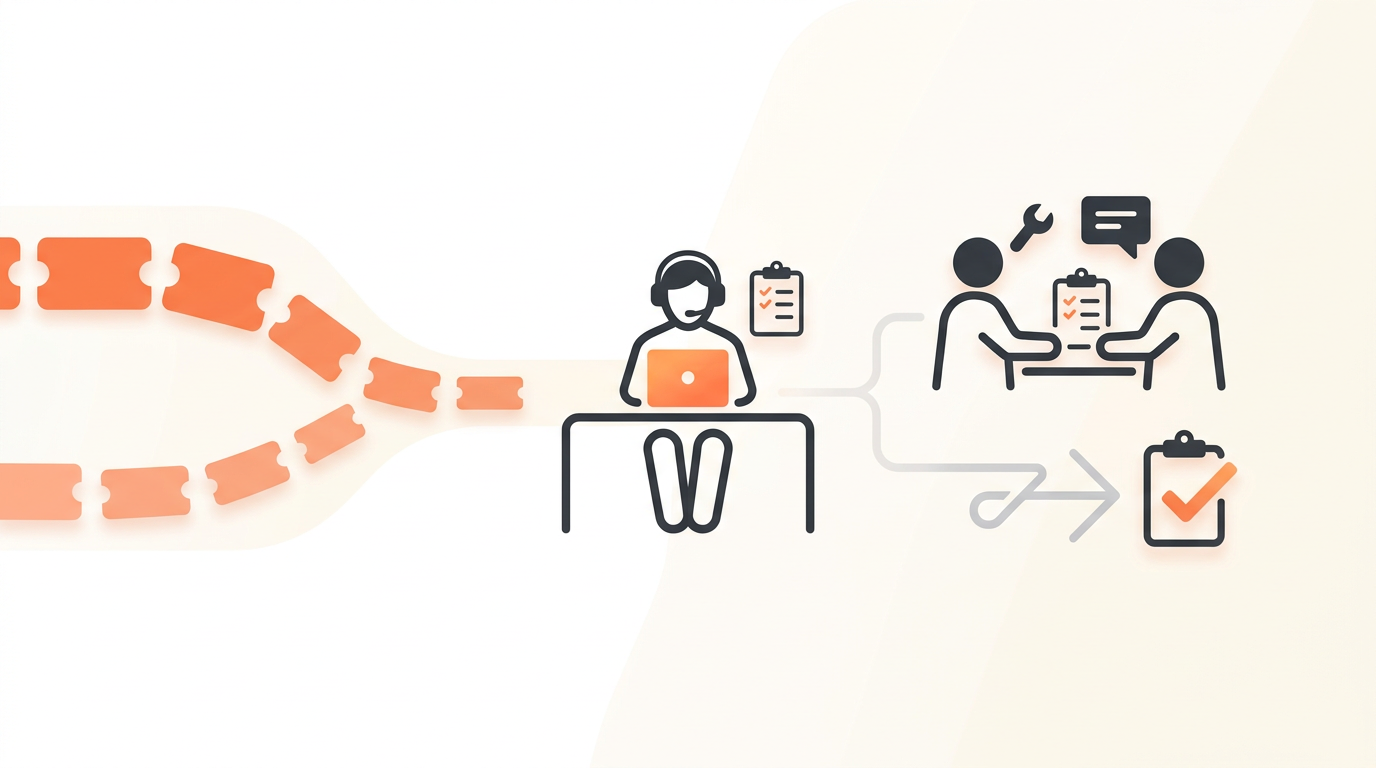
Reducing employee wait time for IT support requires dismantling the triage bottleneck. Instead of hiring more technicians to monitor a shared inbox, you must replace blank request forms with structured intake, automate the categorization of incoming issues, and resolve repetitive requests without human intervention. When a ticket bypasses manual dispatch and routes directly to the correct specialized group—or resolves itself automatically—wait times drop from hours to minutes.
The Anatomy of Wait Time: Where Tickets Actually Stall
Before you can accelerate your IT support operation, you must identify exactly where time is being lost. Most IT managers assume technicians are working too slowly. In reality, the actual "work time"—the minutes a technician spends actively fixing a problem—makes up a fraction of the total lifecycle of a ticket. The vast majority of an employee's wait time consists of the ticket sitting idle in queues or bouncing between incorrect assignments.
The Intake Delay
The first major delay occurs right at the point of entry. When employees submit an email stating "my screen is broken" or "I need access to the finance software," they rarely provide enough context for an IT agent to take immediate action. This initiates a back-and-forth communication cycle. The agent asks for an asset tag, an error code, or manager approval. The employee takes four hours to reply. The ticket ages, SLAs are breached, and the actual work has not even begun.
The Dispatch Bottleneck
In traditional support models, all incoming requests dump into a single, unassigned queue. A designated dispatcher—or worse, whichever technician happens to look at the board first—must read the ticket, determine its urgency, and manually assign it to the appropriate individual or tier. If your dispatcher is in a meeting, at lunch, or handling a high-priority incident, every new ticket waits in purgatory until they return. This manual categorization is a primary driver of high Time to First Response (TTFR) metrics.
The Ping-Pong Effect
When tickets are categorized manually based on vague initial information, they often end up assigned to the wrong team. A network issue might look like a hardware failure to an untrained eye. The hardware team reviews the ticket two hours later, realizes it belongs to the network team, and reassigns it. The ticket drops to the bottom of the network team's queue. If a single ticket bounces between groups more than once, your routing rules are fundamentally broken.
Moving from Blank Forms to Structured Intake
You cannot speed up resolution if your intake process guarantees incomplete data. Providing employees with a blank text box or a standard email address invites vague requests that require manual clarification.
The alternative is deploying a comprehensive Service Catalog within an employee portal. A Service Catalog acts as a browsable menu of pre-approved requests. If an employee needs a new laptop, they select "Hardware Request." If they need a software license, they select "Software Provisioning." By forcing the employee to choose a specific catalog item, the system can instantly present a dynamic form tailored to that exact request type.
Instead of a blank canvas, the user is prompted for the exact variables required to complete the work. A software request form can require a drop-down selection of available software, a justification field, and a line manager's name for approval routing. This structured data guarantees that when the ticket reaches an agent, it is fully actionable. The back-and-forth clarification phase is entirely eliminated, shaving hours off the total wait time.
Eliminating the Manual Dispatcher with AI Triage
Once you capture structured data, manual dispatch becomes obsolete. Modern IT service management relies on automated logic to route work. First-match routing rules evaluate incoming tickets against a set of predefined conditions. If a ticket originates from the Service Catalog as a "Network Access Request," the routing rule instantly assigns it to the "Infrastructure" group.
However, employees will always find ways to bypass structured forms, opting for unstructured email or chat channels. This is where AI-powered ticket triage becomes necessary. Rather than relying on simple keyword matching, advanced triage systems evaluate the natural language of the request, categorize it based on historical data, assign the appropriate priority level, and route it to the correct team on arrival.
By relying on groups for team-based ownership rather than assigning tickets directly to individual agents, you ensure that the workload is distributed evenly among available staff. The ticket appears instantly in the designated team's view, fully categorized, waiting only for an available technician to claim it.
Deflection vs. Auto-Resolution: A Critical Distinction
Many IT organizations attempt to reduce wait times by focusing heavily on ticket deflection. They build a massive repository of self-help articles and place them in front of the support form, hoping users will read the documentation and solve their own problems. While a well-maintained Knowledge Base is essential, pure deflection relies entirely on the employee's willingness and technical ability to execute the fix.
Auto-resolution goes a step further. Instead of handing the employee an instruction manual, the system performs the work for them. When you combine an intelligent intake channel with agentic capabilities, the software can intercept the request, query the underlying data, and execute the fix. Explore the full capabilities of a modern IT ticketing system to understand how AI can move beyond simple chat responses into actionable, workflow-driven resolutions.
Consider a standard password reset or a request for access to a shared folder. In a traditional deflection model, the system might link the user to an article titled "How to map a network drive." In an agentic auto-resolution model grounded in the organization's Knowledge Base, the system verifies the user's identity, automatically triggers the access approval workflow, and provisions the access—closing the ticket without a human technician ever seeing it.
Step-by-Step: Mapping Your Support Workflows for Speed
You cannot automate a messy process. Before configuring routing rules or building out catalog items, you must standardize how work flows through your department. Use this checklist as a starting point for streamlining your IT support operations.
- Audit the last 30 days of tickets: Export your recent ticket history and categorize them by root issue. Look for high-volume, low-complexity requests.
- Identify the top 5 repetitive tasks: Select the five most common requests that require zero critical thinking to solve (e.g., password resets, guest Wi-Fi access, monitor requests).
- Build Service Catalog items for the top 5: Create specific menu items and intake forms for these requests, ensuring all necessary variables are collected upfront.
- Document the next 10 common issues: For issues that are slightly more complex but still solvable by the end-user (e.g., clearing browser cache, connecting to office printers), write clear, step-by-step Knowledge Base articles.
- Configure first-match routing rules: Map your IT staff into distinct Groups (e.g., Tier 1 Support, Network Ops, Applications). Write routing rules that immediately assign incoming tickets to these groups based on the category selected during intake.
- Set up approval workflows: For any Service Request requiring financial spend or elevated security access, automate the approval notification to the designated manager so the ticket does not stall waiting for IT to ask permission.
Building an Effective SLA Framework
Service Level Agreements (SLAs) are the internal speed limits of your helpdesk. They define exactly how long an employee should expect to wait based on the severity of their issue. Operating without configurable SLA rules per priority guarantees that critical system outages will occasionally be buried beneath routine requests.
A functional SLA framework balances aggressive response times with realistic resolution targets. Response time matters deeply to the employee's perception of service; they want to know a human is looking at their problem. Resolution time matters to the business's bottom line.
| Priority Level | Definition | Target First Response | Target Resolution |
|---|---|---|---|
| P1 - Critical | Widespread outage halting business operations (e.g., ERP down). | 15 Minutes | 4 Hours |
| P2 - High | Significant degradation affecting a team or department. | 1 Hour | 8 Hours |
| P3 - Medium | Single user issue preventing core job functions (e.g., broken laptop). | 4 Hours | 24 Hours |
| P4 - Low | Routine requests, information inquiries, or minor annoyances. | 8 Hours | 3-5 Days |
By mapping SLAs directly to your ITIL ticket types—distinguishing between urgent Incidents and routine Service Requests—you ensure that your team's attention is always focused on the issues causing the most friction.
Illustrative Example: The 150-Person Logistics Company
Consider an illustrative example of a 150-person logistics company migrating off a disorganized shared email inbox. Previously, warehouse staff would email the generic IT address when barcode scanners malfunctioned or when they needed a password reset for the inventory management system. The sole IT manager spent the first two hours of every day simply reading emails, guessing which ones were urgent, and forwarding them to a junior technician.
The company implemented a structured employee portal offering a choice of traditional forms or an AI chat intake channel. When a warehouse worker requested a password reset, the agentic auto-resolution system intercepted it, verified their identity, and reset the password immediately. When a worker reported a broken scanner, the system required them to input the scanner's asset tag. The ticket bypassed the IT manager entirely and routed directly to the hardware support group.
The qualitative results were immediate. The manual dispatch bottleneck disappeared entirely. First response times dropped from hours to minutes, and the IT manager reclaimed significant portions of their week to focus on proactive infrastructure improvements rather than acting as a human router.
Funding the Optimization: The Problem with Per-Seat Licensing
As your company grows and ticket volume increases, you may eventually need to expand your IT support team. A major hurdle in scaling helpdesk operations is the pricing model of legacy enterprise tools. When software charges exorbitant fees for every single technician added to the system, IT directors are forced to operate with skeleton crews just to protect the budget.
This artificial limitation directly inflates employee wait times. If you have the budget to hire a new support agent but cannot afford the software license required for them to actually do the work, your queue will back up. Adopting a model with flat monthly pricing per workspace removes this friction entirely. It allows IT departments to add tier-1 agents, specialists, and approvers as needed, ensuring that internal routing and workload distribution dictate team size, rather than restrictive software contracts.
Common Mistakes: When Speed Ruins the Employee Experience
While reducing wait time is a primary goal, optimizing purely for speed can create disastrous edge cases. The most common mistake IT teams make is over-automating complex ITIL ticket types, particularly Changes and Problems.
A Service Request (like asking for a keyboard) should be fast-tracked. However, an ITIL Change (like updating a core database schema or pushing new firewall rules) requires deliberate friction. If you configure your routing rules to automatically approve and execute infrastructure changes in the name of lowering resolution times, you will inevitably cause a massive P1 Incident.
Another frequent failure mode is prioritizing deflection to the point of frustrating the end-user. Forcing employees to click through five different Knowledge Base articles and interact with a chatbot that refuses to escalate the issue will artificially lower your ticket volume, but it will decimate your internal reputation. You must monitor your CSAT surveys closely. If average resolution time drops but user satisfaction plummets, your "optimization" has merely shifted the burden of IT support onto the employees themselves. Always provide a clear, accessible path to escalate an issue to a human technician.
Taking the Next Step in IT Service Delivery
Eliminating endless wait times does not require doubling your IT headcount; it requires modernizing your intake and dispatch mechanisms. By enforcing structured requests through a Service Catalog, utilizing AI to handle triage and routing automatically, and allowing agentic tools to resolve the most repetitive tasks, you free your human technicians to tackle complex problems. If your current toolset requires constant manual intervention just to categorize an incoming issue, it is time to upgrade. You can begin building an automated, AI-first support experience today by choosing to create a free workspace and configuring your first routing rules.
Get started today
Ready to fix internal support?
Free Starter plan. No credit card. Up and running the same day.
Start freeFrequently asked questions
How do we reduce wait times for complex problems that AI cannot resolve?+
For complex issues, you reduce wait time by optimizing the intake and dispatch phases. By using AI to instantly categorize and route the ticket to the correct specialized group upon arrival, you eliminate the hours a ticket typically spends waiting for manual triage, ensuring the technician can begin their investigation immediately.
Should every single IT request have an SLA attached to it?+
Yes, every ticket should have an SLA, but the targets should vary drastically based on priority. A P1 critical outage requires a 15-minute response SLA, whereas a P4 routine inquiry might have an 8-hour response target. SLAs ensure nothing gets permanently lost in the queue.
What is the difference between an Incident and a Service Request regarding wait time?+
An Incident is an unplanned interruption to an existing service (e.g., a broken printer) and usually demands a faster SLA to restore normal operations. A Service Request is a user asking for something new (e.g., a new software license) and typically follows a slower, pre-defined approval workflow.
Will structured intake forms discourage employees from reporting issues?+
If poorly designed with too many mandatory, complex fields, yes. To prevent this, keep forms concise and only ask for information strictly necessary to begin work. Pairing forms with an AI chat intake option gives employees a conversational alternative that still captures structured data.