
How to Prioritize IT Tickets Using Impact and Urgency
Learn how to build an impact and urgency matrix to automate IT ticket prioritization, enforce SLAs, and stop relying on user-selected priority fields.
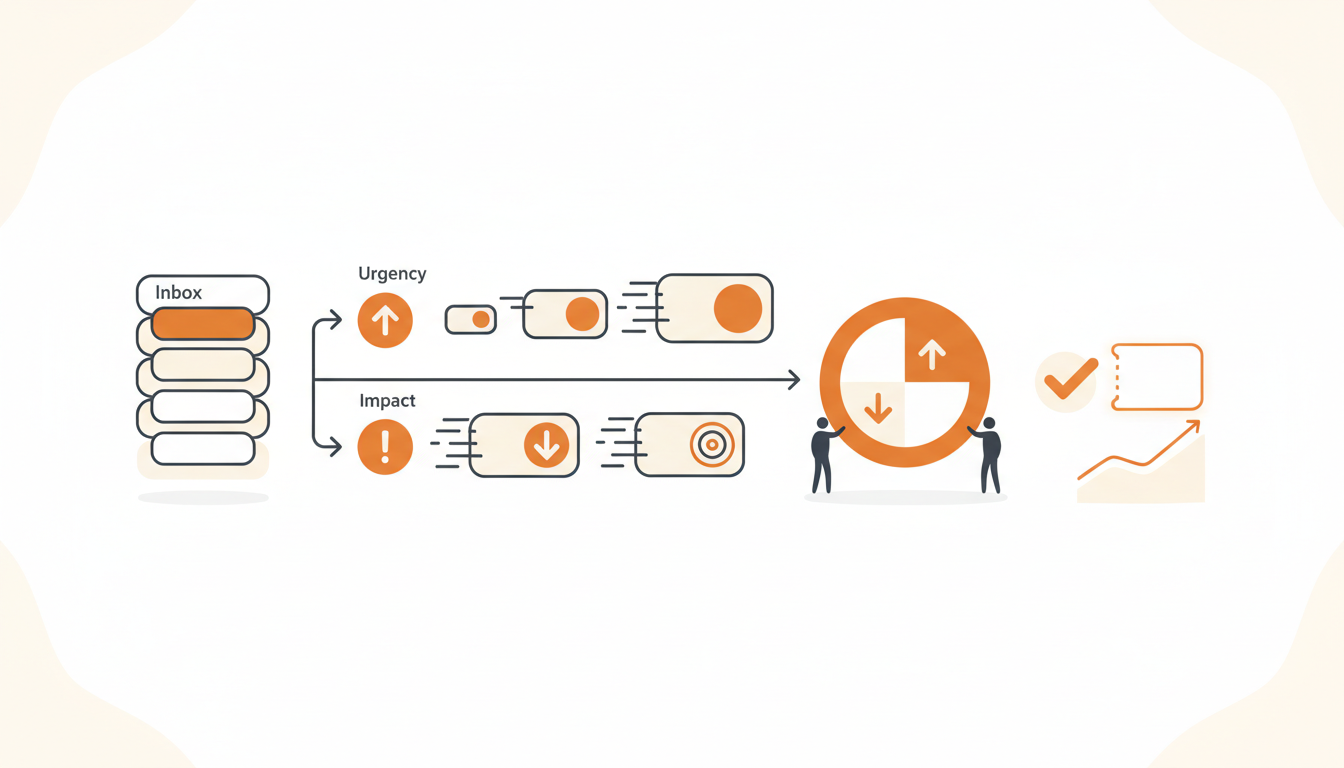
Prioritizing IT tickets using impact and urgency means calculating priority through a two-axis matrix: how widely the issue affects the business multiplied by how quickly a resolution is required to avoid severe financial or operational consequences. Instead of relying on user-selected priority levels—where every submitter insists their issue is critical—you map objective facts against a predefined grid to determine whether an issue gets a four-hour SLA or a four-day SLA. This method strips emotion from the queue and aligns IT effort directly with business continuity.
The Core Mechanism: Defining Impact and Urgency
To build a functional priority matrix, you first need strict, mutually exclusive definitions for your two variables. If agents have to guess what "High" means, the system breaks down.
Defining Impact
Impact measures the scope of the disruption. It asks: How many people or systems are affected? Keep your definitions tied to headcount, department scope, or revenue-generating services.
- High Impact: The entire company, an entire department, or a core revenue-generating service (e.g., the primary customer-facing application) is down.
- Medium Impact: A small group of users, a specific physical location, or a secondary internal system is affected.
- Low Impact: A single user is experiencing an issue that does not prevent other users from working.
Defining Urgency
Urgency measures time-sensitivity. It asks: How fast do we need to fix this before the business takes a permanent hit? This is entirely dependent on the availability of workarounds.
- High Urgency: Work is completely halted. No workaround exists. The business is actively losing money or violating external compliance requirements.
- Medium Urgency: Work is severely degraded but technically possible. A cumbersome workaround exists, but it slows down productivity significantly.
- Low Urgency: Work is slightly impeded, or the request is for future work (e.g., a standard software license request for next week).
Building Your Impact and Urgency Matrix
Once you define your axes, you combine them into a 3x3 grid. The intersection of a ticket's impact and urgency dictates its final priority level (P1 through P4 or P5). This removes the burden of choice from your Helpdesk agents. If an issue is High Impact but Low Urgency, the priority is automatically calculated.
| Urgency / Impact | High Impact | Medium Impact | Low Impact |
|---|---|---|---|
| High Urgency | P1 (Critical) | P2 (High) | P3 (Medium) |
| Medium Urgency | P2 (High) | P3 (Medium) | P4 (Low) |
| Low Urgency | P3 (Medium) | P4 (Low) | P5 (Planning) |
A single executive's broken laptop is High Urgency (no workaround) but Low Impact (one user), making it a P3. A minor glitch in the company-wide payroll system might be High Impact (everyone) but Low Urgency (payroll isn't run for two weeks), also resulting in a P3. The matrix forces objectivity.
Mapping Matrix Outcomes to SLA Rules
A priority label is useless unless it governs behavior. You must map your P1 through P5 levels to concrete timeframes. The exact hours depend on your team's staffing, but you need a baseline to manage expectations.
Tie these matrix outcomes directly to configurable SLA rules per priority to ensure nothing slips through the cracks. A standard baseline looks like this:
- P1 (Critical): 15-minute response time, 4-hour resolution time. Requires an immediate escalation alert to the right group.
- P2 (High): 1-hour response time, 8-hour resolution time.
- P3 (Medium): 4-hour response time, 24-hour resolution time.
- P4 (Low): 24-hour response time, 3-day resolution time.
Without SLA rules backing up your matrix, P4 tickets will sit in the queue indefinitely while agents cherry-pick easier P2s.
Step-by-Step Implementation Guide
Rolling out an impact and urgency matrix requires a deliberate sequence to avoid disrupting existing workflows.
- Remove the "Priority" field from the employee portal: Users should never choose their own priority. Replace it with symptom-based questions or let AI route the intake.
- Publish the matrix definitions: Document the exact definitions of High, Medium, and Low for both axes in your internal IT wiki. Agents need this open on their screens during the first few weeks of adoption.
- Configure ITIL ticket types: Separate Incidents (break/fix) from Service Requests (needs/wants). The matrix primarily governs Incidents. Service Requests should be handled via a browsable Service Catalog.
- Set up first-match assignment rules: Ensure that the moment a ticket hits P1, it immediately assigns to the on-call engineer or the designated Major Incident group rather than waiting in the general triage bucket.
- Conduct a two-week audit: Review resolved tickets daily to see if agents accurately applied the matrix. Correct deviations immediately.
Automating Priority to Remove the Triage Tax
Even with a perfect matrix, manual triage creates a bottleneck. If an agent has to read the ticket, determine the scope, decide the urgency, and set the fields, a P1 ticket might sit unread for thirty minutes while the agent is busy on the phone.
Modern IT teams automate this layer. QueAssist, for example, handles AI-powered ticket triage that categorizes, prioritizes, and routes tickets on arrival. By analyzing the natural language of the employee's request, the system identifies the likely impact (e.g., "nobody in the Chicago office can print") and urgency (e.g., "we need this for the audit in an hour"), setting the matrix values before a human ever sees the ticket. This ensures SLA timers start accurately and routing happens instantly.
An Illustrative Example: The 60-Person Logistics Company
Consider a 60-person logistics company migrating off shared inboxes. Previously, the operations director would email IT with "URGENT: Scanner broken," demanding immediate action. The lone IT admin would drop everything to fix a single scanner, while a silent server failure affecting the entire warehouse went unnoticed.
By implementing the impact and urgency matrix, the IT admin established boundaries. A broken scanner for one worker became Low Impact, High Urgency (P3). The server failure became High Impact, High Urgency (P1). When the next "URGENT" email arrived regarding a single scanner, the system automatically routed it as a P3 with a 24-hour resolution SLA. The outcome was qualitative but massive: triage time dropped from hours to minutes, critical infrastructure issues received immediate attention, and the operations director gradually learned that "urgent" no longer meant "immediate drop-everything response" unless the impact warranted it.
The Cost of Complexity: Choosing the Right Tool
Implementing a strict priority matrix requires software that supports custom fields, SLA timers, and automated routing. SMEs often fall into the trap of adopting ServiceNow, finding it far too complex and expensive to configure for a 150-person company. Alternatively, they force IT into Jira Service Management, fighting a platform built inherently for developers rather than general employee support.
A right-sized approach utilizes an AI-first internal service desk designed specifically for SMEs. Opt for flat monthly pricing per workspace rather than forcing your budget to accommodate the per-seat bloat found on the standard enterprise pricing tiers of legacy tools. You need full ITIL ticket types and approval workflows without requiring a dedicated administrator just to maintain the matrix logic.
Common Mistakes: When The Matrix Fails
Even well-intentioned IT teams sabotage their own priority systems by making a few predictable errors.
The 5x5 Grid Trap
Do not create a 5x5 matrix. Adding "Very High" and "Very Low" to your impact and urgency axes creates a 25-box grid that paralyzes agents. A 3x3 grid provides nine distinct combinations, mapping perfectly to four or five priority levels. Anything more is administrative theater.
Ignoring VIP Context
The matrix is designed to be objective, but business reality involves politics. If the CEO cannot access their email, strict matrix logic dictates it is a P3 (Low Impact, High Urgency). In reality, treating the CEO as a P3 will get the IT manager fired. Do not bend the matrix definitions to accommodate VIPs. Instead, use automated assignment rules based on Groups. If the reporter is in the "Executive" group, the system should automatically bump the final priority up one level.
Applying the Matrix to Service Requests
Do not force a request for a new keyboard through the impact and urgency matrix. The matrix is for Incidents—things that are broken. Requests for new software, hardware, or access should bypass triage entirely. Use a browsable Service Catalog where employees select a pre-approved item, pre-filling the ticket instead of a blank form, and pushing it straight to an approval workflow.
Moving Forward
Transitioning from a reactive "loudest voice wins" queue to a structured impact and urgency matrix reclaims your IT team's time and sanity. It forces alignment between technical effort and actual business risk, ensuring that critical outages get handled immediately while minor annoyances follow a predictable, measured SLA. Ready to stop negotiating priority with every requester? Start your workspace today and let automated triage enforce your matrix from day one.
Get started today
Ready to fix internal support?
Free Starter plan. No credit card. Up and running the same day.
Start freeFrequently asked questions
Should we hide the priority field from the employee portal?+
Yes. Employees lack the visibility to determine the true business impact of their issue. Replace the priority field with specific questions about their problem, or use AI intake to interpret the impact and urgency from their natural language description.
How do VIP requests fit into this objective model?+
Do not alter your matrix definitions for VIPs. Instead, configure an assignment rule that triggers when the requester belongs to a specific Executive group, automatically bumping the calculated priority up by one level.
What happens if a low-priority ticket nears its SLA deadline?+
A well-configured system will escalate the ticket naturally. While its priority level remains the same, SLA warning automation should alert the assigned group or agent that a breach is imminent, shifting their immediate focus to that ticket.
Should we use impact and urgency for all ticket types?+
No. The matrix is designed specifically for Incidents (unplanned interruptions to service). Standard Service Requests (like asking for a software license) should be handled via a Service Catalog with predefined approval workflows and standard delivery times.