
How to Plan a Support Software Migration Without Disrupting Your Team
Learn how to migrate your IT helpdesk without team disruption. Follow this step-by-step process for auditing data, mapping rules, and managing the cutover.
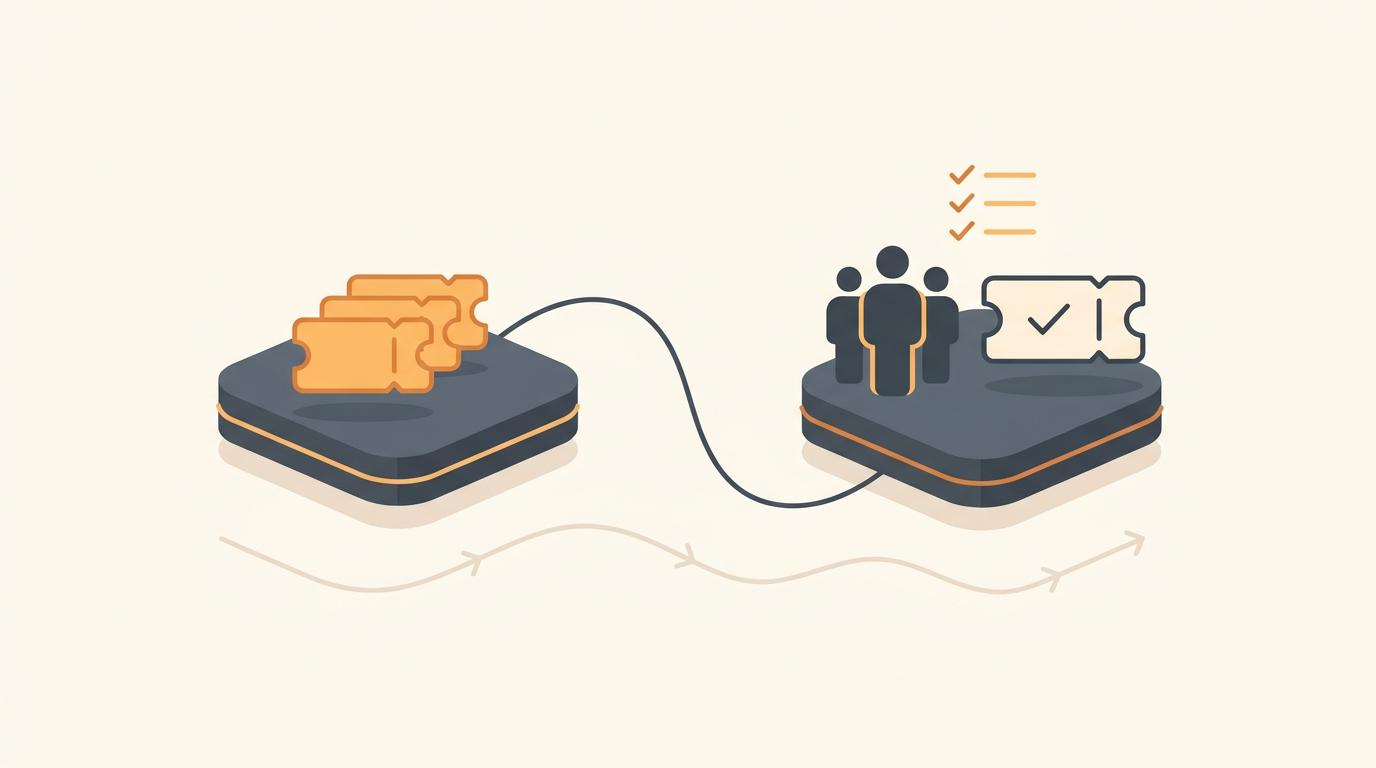
Planning a support software migration without disrupting your team requires running parallel systems while isolating end-users from the backend changes. Instead of forcing a hard cutover over a weekend, you must systematically test routing rules, rebuild your service catalog, and migrate active tickets while the legacy tool still handles daily volume. A quiet migration is a successful one, prioritizing rigorous data auditing and explicit change management rather than raw implementation speed.
The Core Mechanics of a Non-Disruptive Migration
IT and operations teams rely heavily on muscle memory to navigate daily ticket volumes. When you change their primary workspace, you risk destroying their efficiency if the transition is sudden or poorly mapped. A non-disruptive migration fundamentally relies on a phased approach rather than a 'Big Bang' deployment.
In a Big Bang deployment, the old system is turned off on Friday afternoon, and the new system goes live on Monday morning. While this forces adoption, it leaves zero room for error if routing rules fail or agent permissions are misconfigured. A phased migration keeps the legacy system operational as a read-only archive or a fallback channel while new requests are slowly redirected to the new platform.
By phasing the rollout, you give your agents a psychological safety net. They can learn the new interface using a subset of low-priority requests before handling critical incidents. You also gain time to verify that notification triggers actually fire and that escalation alerts hit the right group before a severe outage puts your configuration to the test.
Auditing and Pruning Your Existing Support Footprint
The single worst mistake an IT manager can make during a migration is replicating an inefficient legacy setup inside a new tool. Migrations represent a rare opportunity to audit your operational debt and permanently discard configurations that no longer serve your business.
Evaluating Macros and Canned Responses
Support platforms accumulate hundreds of outdated macros over time. Export your entire list of canned responses and sort them by usage over the last ninety days. Any macro that has not been used in the past six months should be archived rather than migrated. If the issue returns, agents can draft a new response based on current company policies rather than relying on a stale template from three years ago.
Reviewing SLA Rules and Triggers
Your legacy tool likely contains layers of conflicting automated rules. Document every active Service Level Agreement (SLA) trigger currently running. You will often find rules that escalate tickets to employees who left the company years ago, or priority thresholds that no longer match your actual severity matrix. Strip these down to the absolute minimum required to meet your business obligations. You only want to migrate clean, validated routing logic.
Scrubbing the Knowledge Base
A support desk is only as effective as its documentation. Run an analytics report on your existing knowledge base articles. Sort by view count and negative feedback ratings. Consolidate overlapping articles and delete documentation for software your company no longer uses. A lean, highly accurate knowledge base will serve as the foundation for modern triage and self-service mechanics.
Structuring Service Delivery for the New Platform
Modern service desks operate differently than legacy email-to-ticket parsers. You must design your new workspace to take advantage of structured intake and automated categorization rather than relying on blank text boxes.
Before mapping your exact routing logic, take the time to review the core features available in your platform to understand what manual work can be eliminated entirely. For instance, if you configure QueAssist AI-powered ticket triage, you do not need to build complex manual dispatcher rules or force employees to select from fifty different category dropdowns. The AI categorizes, prioritizes, and routes tickets on arrival based on the natural language of the request.
Similarly, transition away from unstructured request forms by building a Service Catalog. A Service Catalog acts as a browsable menu of pre-approved requests—such as a new laptop, a specific software license, or access to a database. When an employee selects an item from the catalog, the system pre-fills the ticket with the exact approval workflows and ITIL ticket types (Incidents, Service Requests, Problems, Changes) required for that specific asset. This structured data guarantees your agents have all necessary context the moment the ticket is created.
Handling Historical Data, Open Tickets, and Identity
Data migration is heavily debated among IT practitioners. The impulse is to export every single ticket from the last ten years and import it into the new platform for continuity. This is almost always a mistake.
Importing hundreds of thousands of legacy tickets bloats the search index of your new tool and clutters the interface with irrelevant historical noise. Instead, employ the 'Cold Storage' method. Export all closed historical tickets to a secure CSV or a data warehouse for compliance and auditing purposes. Do not import them into the new active service desk.
Only migrate open, active tickets. These are the requests that agents are currently working on and require immediate resolution. Map these active tickets to the corresponding new statuses and agent assignments.
If your legacy system charged per-seat, you likely developed workarounds like shared agent logins that obscure who is actually handling a request. You can now abandon those bad habits for a simpler flat monthly pricing per workspace structure. Issue individual credentials to every agent and map your active tickets to specific human owners, entirely removing the ambiguity of shared accounts.
The Six-Step Migration Implementation Process
To keep your team focused and prevent scope creep, follow this sequential implementation process. Do not move to the next step until the current phase is fully validated.
- Freeze Legacy Configuration: Announce a strict freeze on the old system. No new macros, routing rules, or knowledge base articles can be created in the legacy tool.
- Build the Structural Foundation: Create your new user groups, define agent roles, and set up your core ITIL ticket types. Import your sanitized knowledge base articles.
- Configure the Service Catalog and Approvals: Build the request forms for your most common volume drivers (e.g., hardware requests, access provisioning). Attach the necessary approval workflows for service requests.
- Define Configurable SLAs and Routing: Set up your SLA rules per priority level. Establish assignment rules using first-match routing to direct specific categories to the correct specialist groups.
- Set Up the Employee Portal: Configure the front-end experience for your staff. Offer a choice between traditional forms and AI chat intake to accommodate different user preferences.
- Configure Auto-Resolution: Enable QueAssist agentic auto-resolution to handle common, well-documented employee requests—like password resets—automatically, grounded entirely in your newly cleaned knowledge base.
Illustrative Example: Moving a Logistics Firm Off Shared Inboxes
Consider an illustrative example of a 60-person logistics company migrating from a basic shared 'it-support@' email inbox to a structured service desk. For years, three IT technicians simply replied to emails, frequently colliding and duplicating work because they could not see who was drafting a response.
Rather than shutting down the email alias immediately, the IT manager set up an auto-reply on the shared inbox. The auto-reply informed employees that all requests must now go through the new employee portal, but it temporarily allowed existing email threads to continue for one week to avoid breaking active conversations. In parallel, the manager configured first-match routing rules to send hardware issues to the hardware group and software access requests to the systems admin.
By overlapping the systems for seven days, the team caught a configuration error where warehouse network alerts were silently failing to create tickets. Because the old email system was still catching the raw alerts, they lost no critical data while they adjusted the new routing rules. Once fully cut over, the time spent manually triaging and distributing requests dropped from hours to minutes, and duplicate responses were entirely eliminated.
Executing User Acceptance Testing (UAT)
You cannot test a service desk strictly as an administrator. You must simulate the exact experience of an end-user and a standard tier-one agent to uncover friction points.
Create two test accounts: a standard employee and a restricted agent. Log in as the employee and attempt to submit a ticket through the Service Catalog. Is the form too long? Does it demand information the user would not reasonably know, like MAC addresses? Next, submit a request via AI chat intake to verify it parses your request accurately.
Then, log in as the tier-one agent. Verify that the new ticket arrived in the correct queue. Check that the SLA timer started correctly based on the priority matrix. Finally, attempt to escalate the ticket to a tier-two group and confirm that the appropriate escalation alert reaches the intended destination. Only after testing the entire lifecycle of a ticket—from creation to CSAT survey delivery—should you proceed to agent training.
Common Migration Mistakes to Avoid
Even with rigorous planning, migrations often stall due to predictable tactical errors. Review this comparison of legacy habits versus modern migration approaches to keep your deployment on track.
| Legacy Habit (What Not To Do) | Modern Migration Approach |
|---|---|
| Importing 5+ years of closed tickets. | Exporting closed tickets to CSV cold storage; migrating only active open tickets. |
| Relying exclusively on generic blank text forms. | Building a Service Catalog for routine hardware, software, and access requests. |
| Creating 50+ manual category dropdowns for users. | Using AI-powered ticket triage to categorize and route requests based on natural language. |
| Training all employees weeks before the launch. | Soft-launching to IT first, then sending company-wide instructions the day before cutover. |
Training Strategy and Managing the Final Cutover
Agents require different training than general employees. Do not send a massive, dense manual to the entire company. End-users only need to know how to access the portal, how to use the AI chat intake, and how to track their active requests. Keep their instructions brief and visual.
Your agents, however, need hands-on practice. Dedicate a two-hour block where agents log into the new system, review the new knowledge base, and manually process dummy tickets. Require every agent to successfully resolve and close at least five test tickets before launch day.
When you execute the final cutover, update your DNS records, reroute your support email aliases to the new platform, and set the legacy system to read-only mode. Keep the legacy system accessible for at least thirty days so agents can reference historical data if a user asks about an old issue.
Measuring Success in the First Thirty Days
A migration is not finished just because the new software is online. You must actively measure system performance over the first month to confirm the configuration actually improved operations. Monitor the deflection rate to see how many tickets are avoided entirely because employees found the answer in the Knowledge Base.
Track your automated CSAT surveys on newly closed tickets. A temporary dip in satisfaction is common during the first week as users adjust to the new interface, but scores should quickly rise as the Service Catalog speeds up request fulfillment. Review your SLA breach rates closely; if a specific priority level is consistently breaching its SLA, your routing rules for that category might be directing tickets to an understaffed group.
A structured, methodical migration eliminates the chaos typically associated with changing IT platforms. When you are ready to build a reliable service catalog, configure automated triage, and deploy a system your team actually enjoys using, you can start setting up your workspace today.
Get started today
Ready to fix internal support?
Free Starter plan. No credit card. Up and running the same day.
Start freeFrequently asked questions
Should we involve end-users in the testing phase of our new service desk?+
Yes, but strictly limit this to a small group of 'power users' or department heads. Having 3 to 5 non-IT employees test the employee portal ensures your terminology makes sense to people outside the technical team, preventing confusion on launch day.
How long should we run the old and new systems in parallel?+
A parallel run of one to two weeks is generally sufficient for SME teams. This duration provides enough time to catch routing failures and missing knowledge base articles without forcing agents to perform double data entry for an extended period.
What happens if a user replies to an old ticket email from the legacy system after the cutover?+
You should configure an auto-reply on the legacy email server informing the user that the system has migrated, providing a direct link to the new employee portal to submit their update. The legacy system should be set to read-only so it rejects incoming mail processing.
Is it necessary to recreate all our custom reporting dashboards immediately?+
No. Focus on core operational metrics like time-to-resolution, SLA breach rates, and CSAT scores for the first 30 days. You will likely find that the new platform's default reporting covers your needs, and you can build custom dashboards later based on actual usage patterns.