
How Many IT Support Agents Does a 50-Person Company Need?
Discover the ideal IT support ratio for a 50-person company. Learn how automation, self-service, and technical debt impact your headcount decisions.
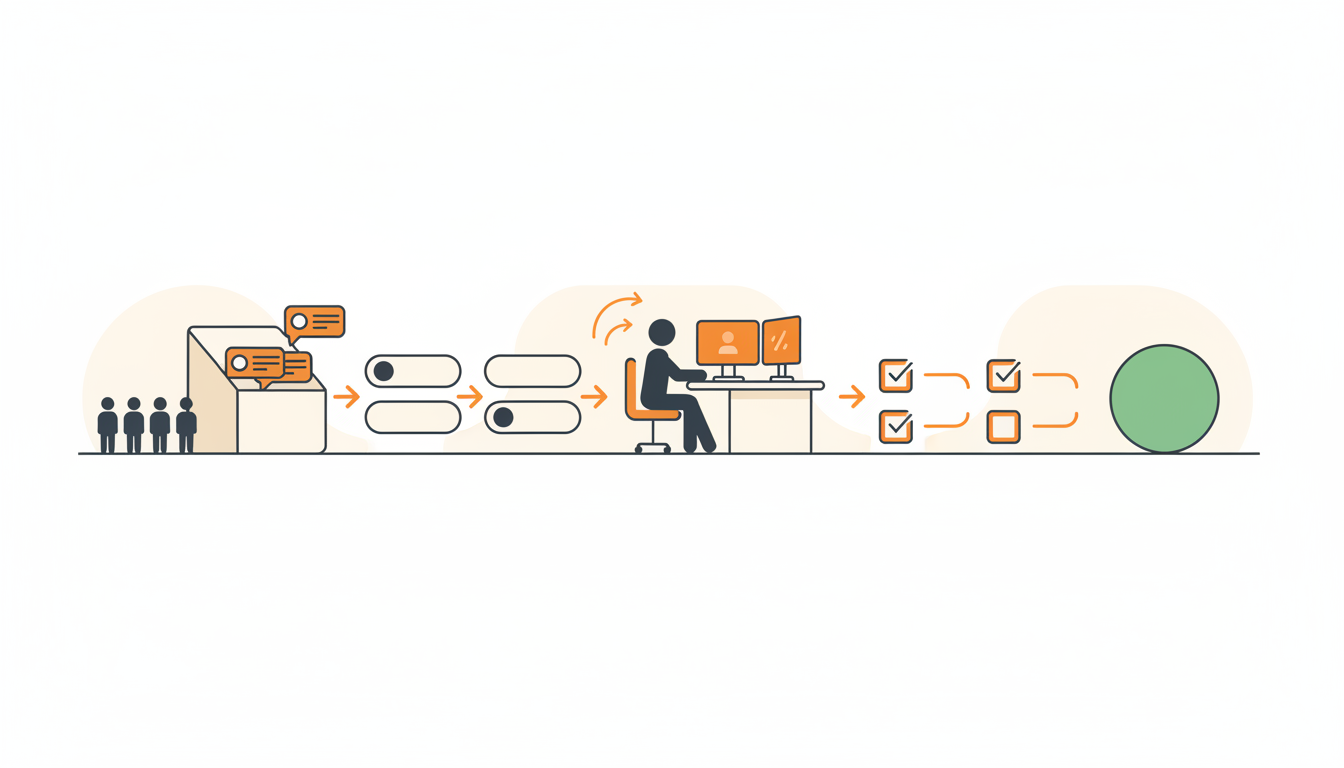
A 50-person company typically needs one to two dedicated internal IT support agents. The exact number depends heavily on your technical debt, whether you have an onboarding-heavy culture, and how much self-service infrastructure you have in place. Before you authorize headcount for a third support tech, you should almost certainly be looking at automation and ticket deflection.
The Standard IT Support Ratio: Rules of Thumb vs. Reality
For decades, the standard enterprise baseline was one IT support agent for every 70 to 100 employees. If you apply that math strictly, a 50-person company technically needs less than one full-time person. Reality rarely works that cleanly. In smaller organizations, economies of scale simply do not exist yet. One person managing all software access, hardware procurement, network issues, and password resets for 50 people is highly vulnerable to illness, vacations, and sudden spikes in onboarding.
Many organizations hit 50 employees and realize the office manager or the most technical software developer can no longer spend 15 hours a week handling employee requests. The shift from ad-hoc favors to structured ITIL ticket types—Incidents, Service Requests, Problems, and Changes—requires dedicated ownership. Deciding whether you need a solo IT generalist or a two-person team comes down to how your company actually operates.
Variables That Increase Your Need for Human Agents
Not all 50-person companies generate the same volume of work. An architecture firm with heavy on-premise rendering servers generates completely different support demands than a fully remote marketing agency using a handful of web applications. Several variables will force your required agent count upward.
High Churn and Aggressive Onboarding
Onboarding is the single most time-consuming Service Request in internal IT. If your 50-person company is growing fast or relies on seasonal workers, the constant cycle of laptop procurement, software provisioning, and access management will crush a single agent. Every new hire requires hardware configuration, account creation across multiple platforms, and initial hand-holding. If you lack automated provisioning, a single new hire can easily consume four to six hours of IT time.
Heavy Technical Debt and Legacy Systems
Companies running custom legacy software, old on-premise servers, or complex local networks will see a significantly higher volume of break-fix Incidents. When systems break frequently, agents spend their days firefighting rather than building documentation or improving processes. A company stuck maintaining unstable legacy databases might need two or three agents for just 50 employees because the systems simply require constant babysitting.
A Culture of "White-Glove" Walk-Ups
If your company culture dictates that executives and managers can tap the IT person on the shoulder to fix a spreadsheet formatting issue immediately, your support capacity drops drastically. Context switching destroys productivity. When agents cannot prioritize work based on structured Configurable SLA rules per priority, their effective output is cut in half, forcing you to hire more people to handle the same actual workload.
Variables That Decrease Your Need for Human Agents
Conversely, you can keep your IT headcount firmly at one person—or even a fractional role—by putting the right systems in place. The goal is to separate the work that requires human judgment from the work that is purely administrative.
High Adoption of Employee Self-Service
When employees can find their own answers, tickets never get created. A well-maintained Knowledge Base provides an employee self-serve search so common questions are resolved instantly. If your staff knows exactly where to find the VPN troubleshooting guide or the printer setup instructions, your single IT agent is freed from answering the same five questions every week.
Standardized Intake via a Service Catalog
Blank forms and email inboxes create messy, incomplete requests. The agent then wastes three back-and-forth messages just asking for the user's operating system or the specific software version they need. Using a Service Catalog provides a browsable menu of pre-approved requests. Whether an employee needs a new laptop or a specific software license, the catalog pre-fills the exact information the agent needs to fulfill the request immediately. This drastically reduces the average handle time per ticket.
Intelligent Triage and Routing
In a multi-department helpdesk, simply figuring out who should do the work takes time. Using assignment rules for first-match routing to specific teams or Groups ensures a payroll question goes to HR, while a broken monitor goes to IT. If you use a unified employee portal with a choice of traditional forms or AI chat intake, the system can automatically categorize and route the work, entirely eliminating the need for a human dispatcher.
Illustrative Example: The 50-Person Logistics Company
Consider an illustrative example of a 50-person regional logistics company. They had one dedicated IT person, but that person was drowning. Drivers were constantly locking themselves out of the dispatch app, warehouse staff submitted hardware requests via text message, and the office staff emailed an unmonitored shared inbox for software licenses.
The management team initially assumed they needed to hire a second IT agent. Instead, they audited the workload. They realized 60 percent of the requests were simple password resets for the dispatch app and requests for new scanner batteries. They implemented an internal portal with specific forms for hardware requests and a dedicated self-serve knowledge base for app resets. The single IT agent's backlog dropped from hours to minutes. They did not need a second person; they just needed to stop treating every request as a chaotic emergency.
Step-by-Step: How to Measure Your Actual IT Workload
Before making any hiring decisions, you need to measure what is actually happening. Do not guess based on how stressed the current team looks. Follow this process to audit your internal support demands:
- Centralize all requests: For two weeks, enforce a strict policy that no IT work happens unless it is logged. Redirect all shoulder taps, direct Slack messages, and emails into a single queue.
- Categorize by ITIL type: Label every ticket as an Incident (something is broken), a Service Request (someone needs something new), or an Information Request (someone has a question).
- Identify the top five recurring issues: Look at the data and find the exact requests that happen most frequently. Usually, this is password resets, software access, and hardware troubleshooting.
- Calculate the time spent on administrative tasks: Measure how much time the agent spends simply assigning tickets, asking for missing information, or following up on approval workflows for service requests.
- Determine your baseline capacity: If your single agent can resolve 20 well-documented tickets a day without burning out, and you consistently receive 40, you have a hard data point proving a capacity gap.
The Financial Equation: Adding Headcount vs. Upgrading Tools
When you reach a capacity limit, you face a distinct choice: hire another human or upgrade the infrastructure to reduce the workload. In a 50-person company, the math heavily favors upgrading your tools first.
| Investment Type | Estimated Annual Cost | Primary Benefit | Scalability |
|---|---|---|---|
| Hire a Level 1 Support Agent | Salary + Benefits + Overhead | Handles manual ticket volume and white-glove walk-ups. | Low. Capacity is strictly linear. More tickets eventually require another hire. |
| Deploy an AI-First Service Desk | Low software subscription fee | Deflects basic questions, automates triage, standardizes intake. | High. Handles surges in volume without requiring additional headcount. |
Choosing the software route makes even more sense when the pricing model aligns with your growth. Many legacy vendors charge heavily per agent, penalizing you for expanding your IT team. Opting for a tool with flat monthly pricing per workspace means your costs remain predictable regardless of how you structure your internal support groups.
The Role of the "Accidental IT Person"
In many companies hovering around 50 employees, there is no formal IT department. Support is handled by the "accidental IT person"—an office manager, a tech-savvy HR generalist, or a software engineer who inadvertently took ownership of the router three years ago. This setup works for a 10-person startup but becomes a massive liability at 50.
If your accidental IT person is spending more than ten hours a week on support, you are paying a heavy opportunity cost. Your lead developer should not be troubleshooting printer drivers, and your office manager should not be manually provisioning software licenses. Transitioning this workload requires establishing a formal service desk environment before you hire a dedicated IT professional. When you finally do hire that solo IT agent, they will step into an organized system rather than a chaotic pile of sticky notes and undocumented processes.
Common Mistakes When Sizing an IT Team
Misjudging headcount needs usually stems from a few specific operational failures. Avoid these traps when evaluating your 50-person team.
First, do not hire a Level 2 engineer to do Level 1 work. If your volume consists mostly of password resets and basic software questions, hiring an expensive systems administrator to handle tickets is a waste of budget. They will get bored and leave. Fix the basic intake first.
Second, do not ignore the impact of poor hardware lifecycles. If you force employees to use five-year-old laptops, your Incident volume will remain artificially high. You cannot out-hire bad hardware. Replacing failing equipment is cheaper than hiring another agent to constantly fix it.
Finally, avoid the mistake of building complex, multi-tiered escalation matrices for a company of 50 people. You do not need Level 1, Level 2, and Level 3 support tiers. You need a flat, highly communicative structure where tickets are intelligently categorized on arrival so the right person can look at them immediately.
Moving Beyond Manual Triage
Ultimately, a 50-person company should rarely need more than one exceptional IT professional, provided that professional is not acting as a manual dispatcher or an administrative assistant. To maximize that solo agent's time, you need a system that handles the repetitive work before they even see the ticket. QueAssist offers AI-powered ticket triage that categorizes, prioritizes, and routes tickets on arrival, combined with agentic auto-resolution that resolves common, well-documented employee requests automatically. If you are tired of scaling headcount just to handle password resets, start your free trial of QueueDesk and build a support system that scales with you.